The Trimsy front desk app — queue, bookings and POS
The Trimsy app is on the App Store for iPhone and iPad. The Android build is coming soon. Turn a tablet into your front desk: self check-in, the live queue, bookings, staff attendance and a counter POS, all connected to the same Trimsy workspace you use in the browser.
It is the front desk, not the back office. Reporting, invoicing, settings and the rest of the admin run in your browser on any device — the app is what you stand on the counter.
iPhone and iPad · iOS 15 or later · free. Coming soon on Google Play — and everything the app does also runs in a browser, so no device is a prerequisite.
Where to get it
iPhone and iPad: available now on the App Store — free to download, and included on the Growth plan with no separate purchase and no add-on tier. Android: coming soon on Google Play — this page updates the day it lands.

 Coming soon on Google Play
What the app does
Pick a role when you pair the device. The same app becomes a kiosk, a caller or a display depending on where you're standing it.
Kiosk mode
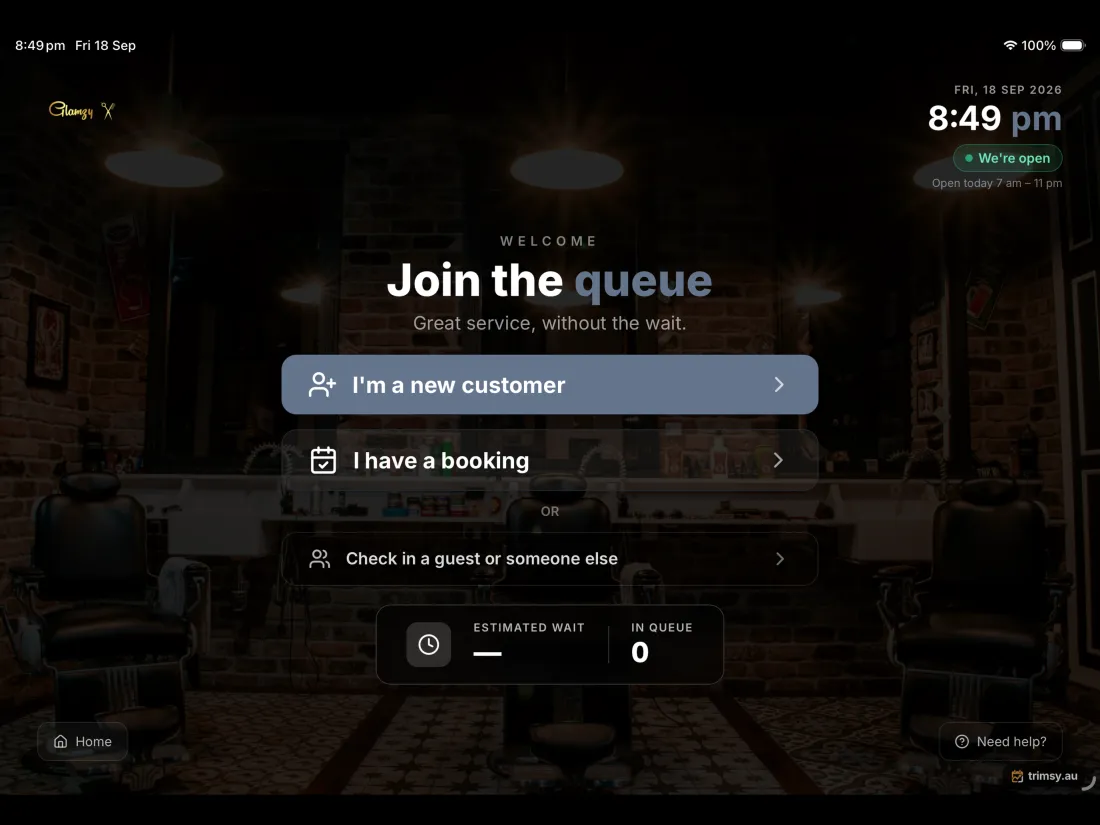
Turn any iPad or Android tablet into the check-in screen. Pair it once and it stays paired.
TV display mode
Run the queue board on a screen in the waiting area — the same board, sized for a room rather than a hand.
Caller mode
Call people forward from the counter, on the device already in your hand.
Location-aware joining
Geofencing keeps the queue for the people who actually turned up.
Ticket printing
Finds a LAN receipt printer on the network and prints numbered tickets.
Native notifications
Turn alerts on the device itself, not just an email nobody opens.
Every screen, on every size
iPhone, iPad and Android — phone and tablet. The app takes your logo and colours, so customers see your business, not ours.
The tablet at the door, where a walk-in taps to join the queue
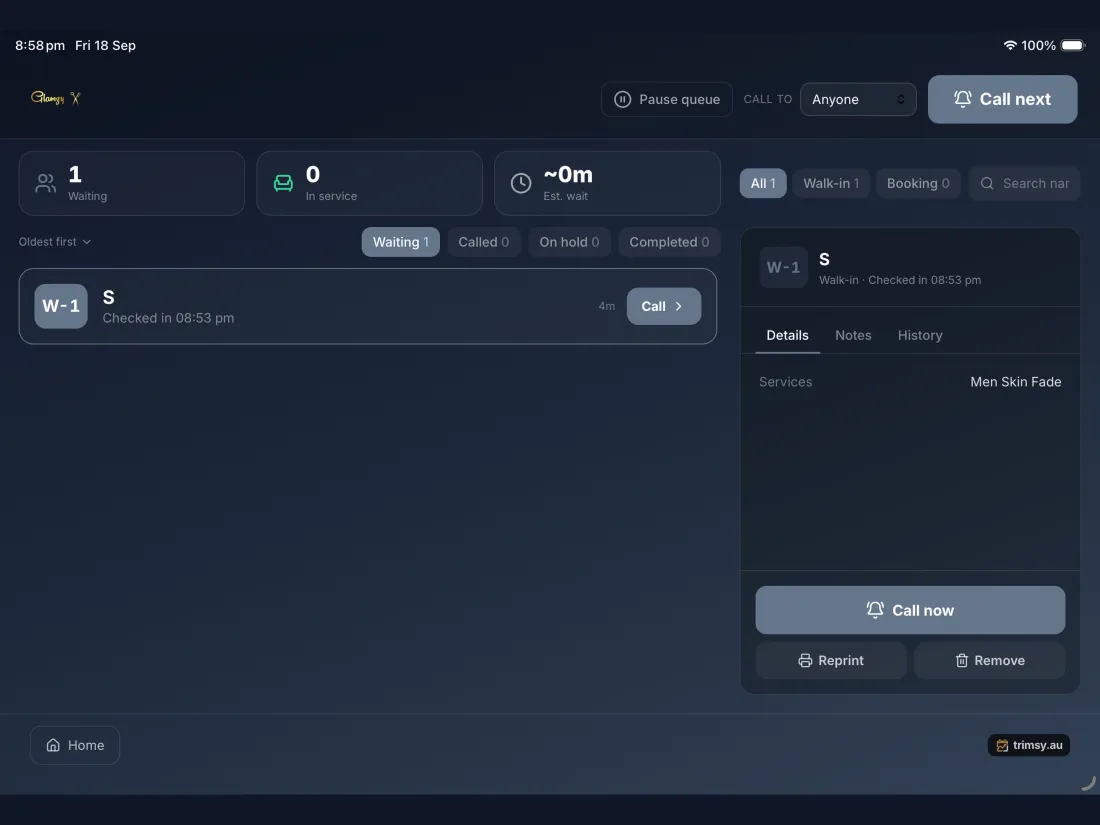
Staff calling the next customer forward from behind the counter
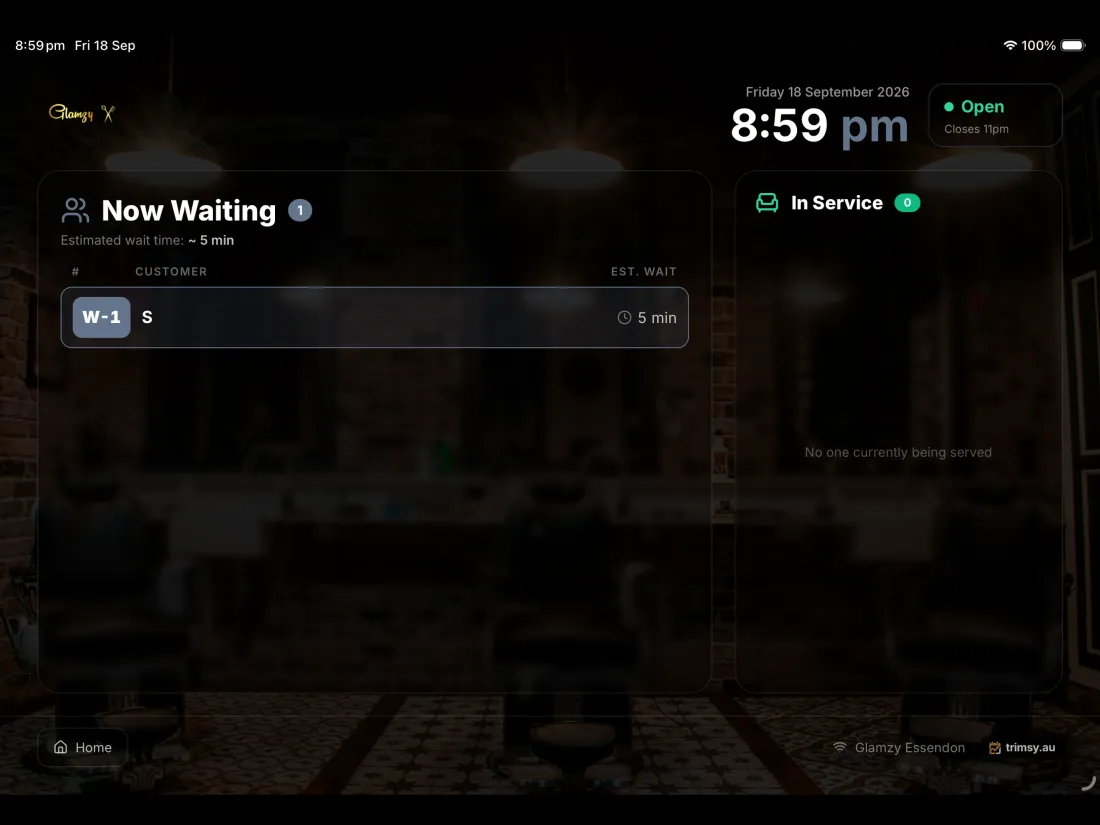
The waiting-room board showing who is next and how long they have waited
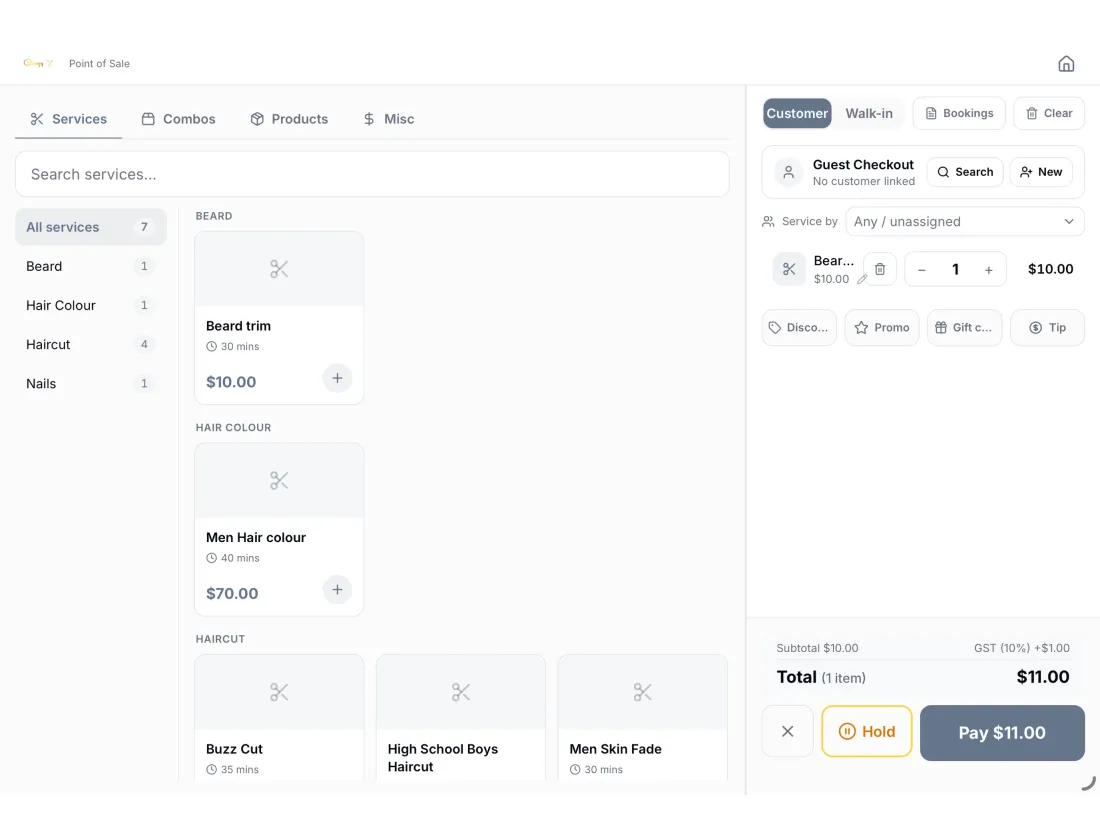
Taking payment at the counter on the same device
Runs on what you already own
iPhone & Android phone
Call people forward from the floor, or check the queue between customers.
iPad & Android tablet
Stand one at the door as the check-in kiosk, and one behind the counter as the caller.
TV in the waiting area
Run the display on a tablet wired to a screen, or cast it — the board is built to be read across a room.
Network receipt printer
Finds a LAN printer on your network and prints numbered tickets for counters that want paper.
Start today, on the device you already have
Everything here also works in any browser, so a spare tablet gets you going in minutes. Install the app on an iPhone or iPad when you want the counter version.
Start free 14-day trial →