Marketing & growth
Collecting reviews
Ask happy customers for a review automatically after their visit.
A review request lands by SMS or email a few hours after checkout — route it to Google or keep it internal.
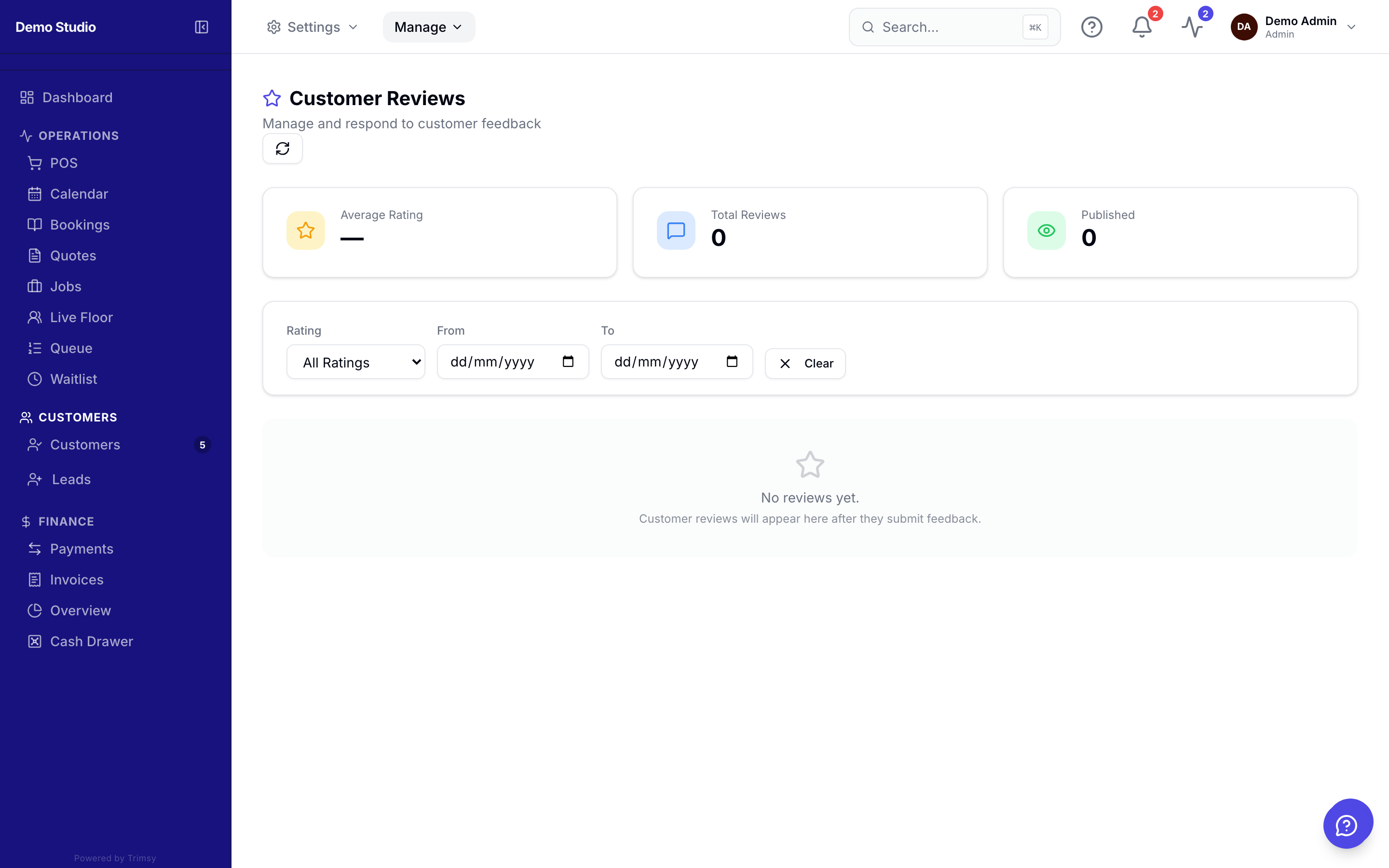
1. Open Manage ▸ Growth ▸ Reviews.
2. Turn on review requests and set the delay after the visit.
3. Choose the destination: your Google review link or Trimsy's internal reviews.
4. Watch responses arrive and reply where it matters.
Tip: Internal-first routing lets you catch an unhappy customer privately before they go public.