Marketing & growth
Email campaigns
Send offers and updates to your customer list via Mailchimp, Zoho or Brevo.
Connect your email marketing provider once and sync customers into audiences — campaigns send from the tool you already know.
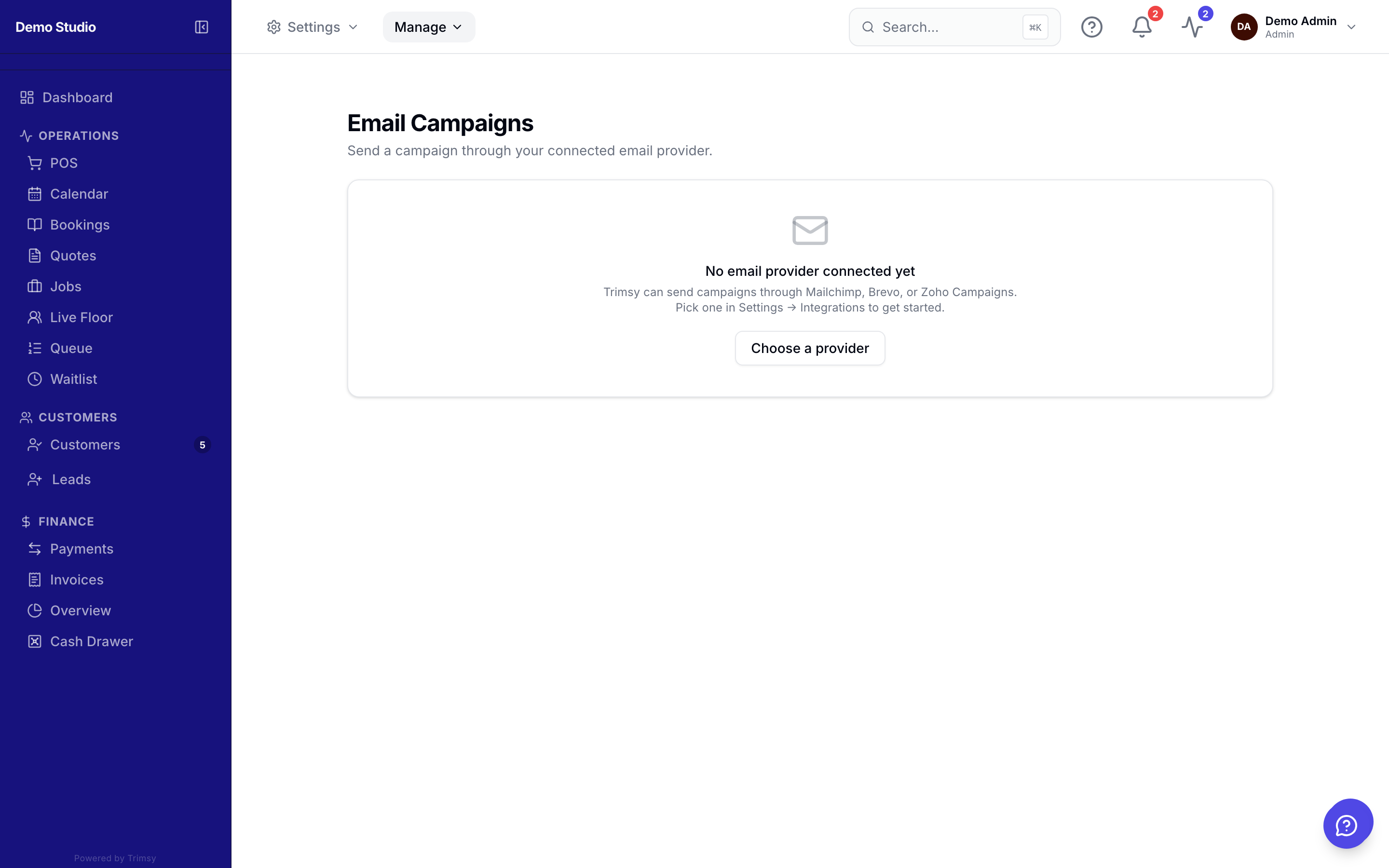
1. Open Settings ▸ Integrations and connect Mailchimp, Zoho Campaigns or Brevo.
2. Sync your customer list into an audience.
3. Open Manage ▸ Growth ▸ Email Campaigns to review synced lists.
4. Build and send the campaign in your provider — new customers keep syncing.