Settings & account
Read the audit log
Who changed what, and when.
The audit log answers "who did this" without guesswork.
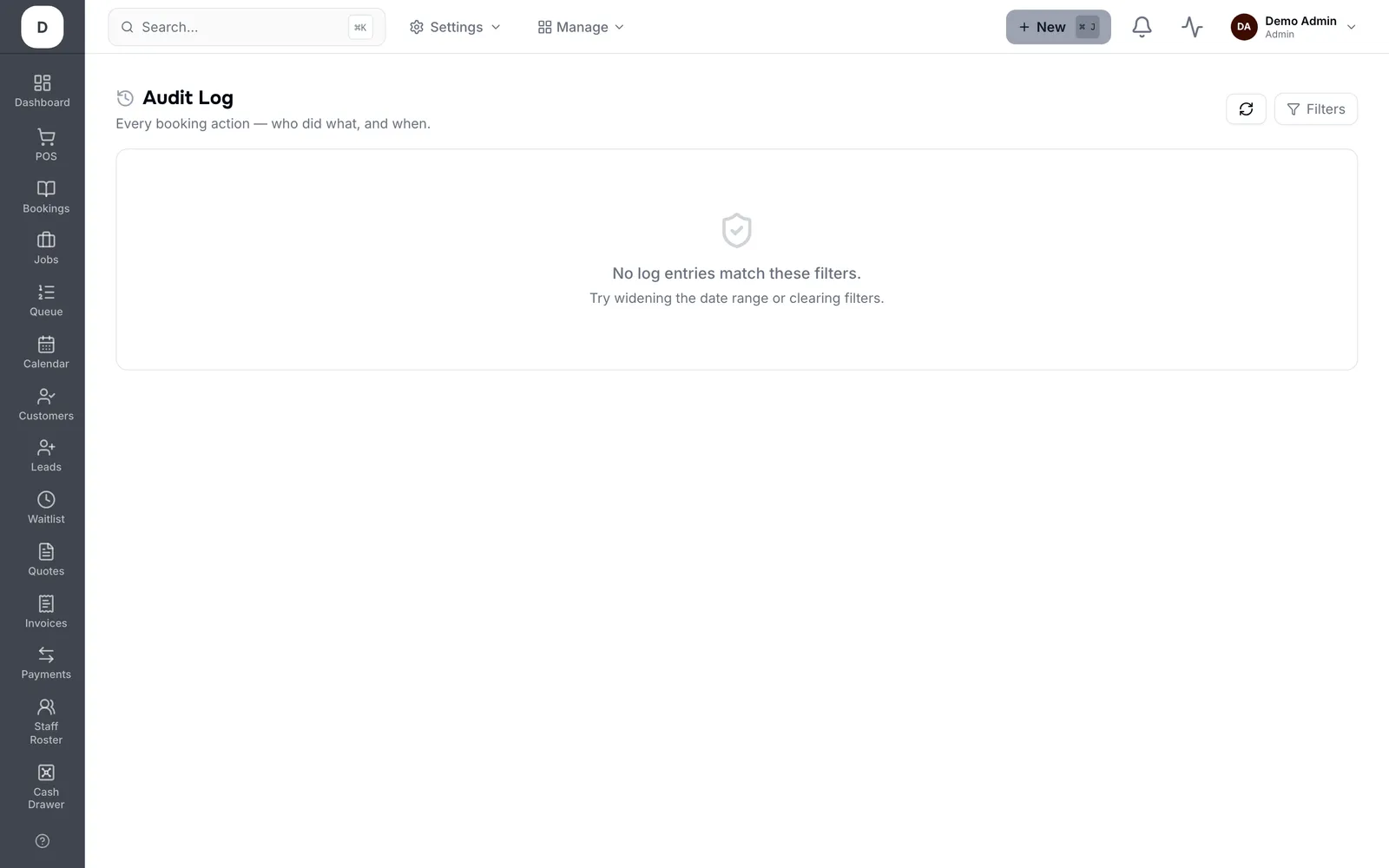
1. Filter by From and To dates, by Action, or by Actor type to separate staff from the system.
2. Actor name contains and Booking ref contains narrow it to a person or a specific booking.
3. Entries show the change that was made, so you can see what the value was before.
4. Page through with Prev and Next rather than widening the filters until the page is unusable.
Tip: Start from the booking reference when you have one. It is far faster than filtering by date and reading down.