Settings & account
Online booking settings
Control slots, deposits, auto-confirm, cancellation policy and birthday messages.
Settings ▸ Booking decides how your public booking page behaves — from slot length to who gets confirmed automatically.
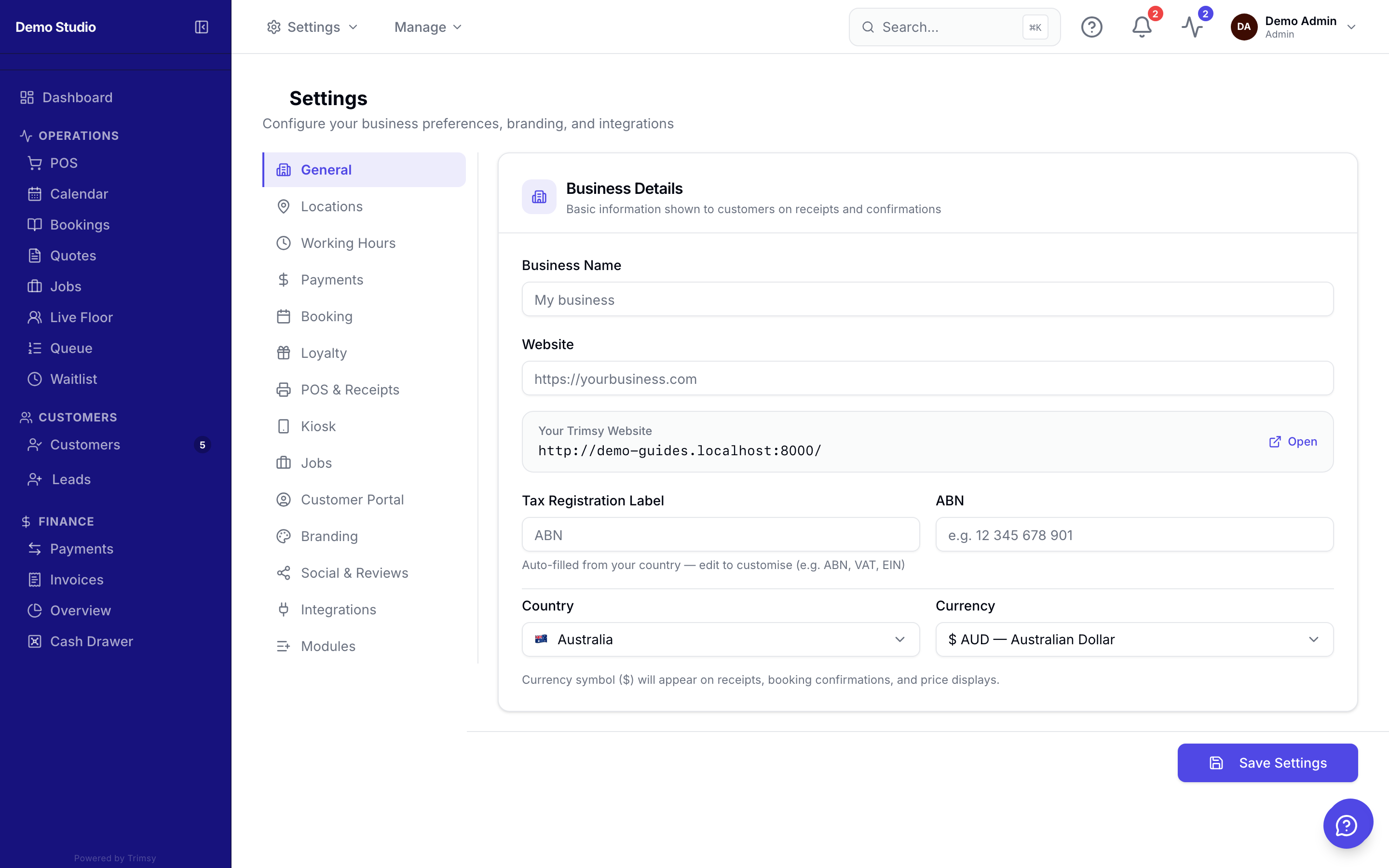
1. Open Settings and switch to the Booking tab.
2. Set slot interval, daily caps and whether bookings auto-confirm.
3. Turn on deposits and your cancellation/no-show policies.
4. Enable birthday messages and reminder timing.