Catalogue & team
Add and manage team members
Invite people, set their role, and deactivate leavers.
Team is the list of people who can sign in, as distinct from staff you roster and book.
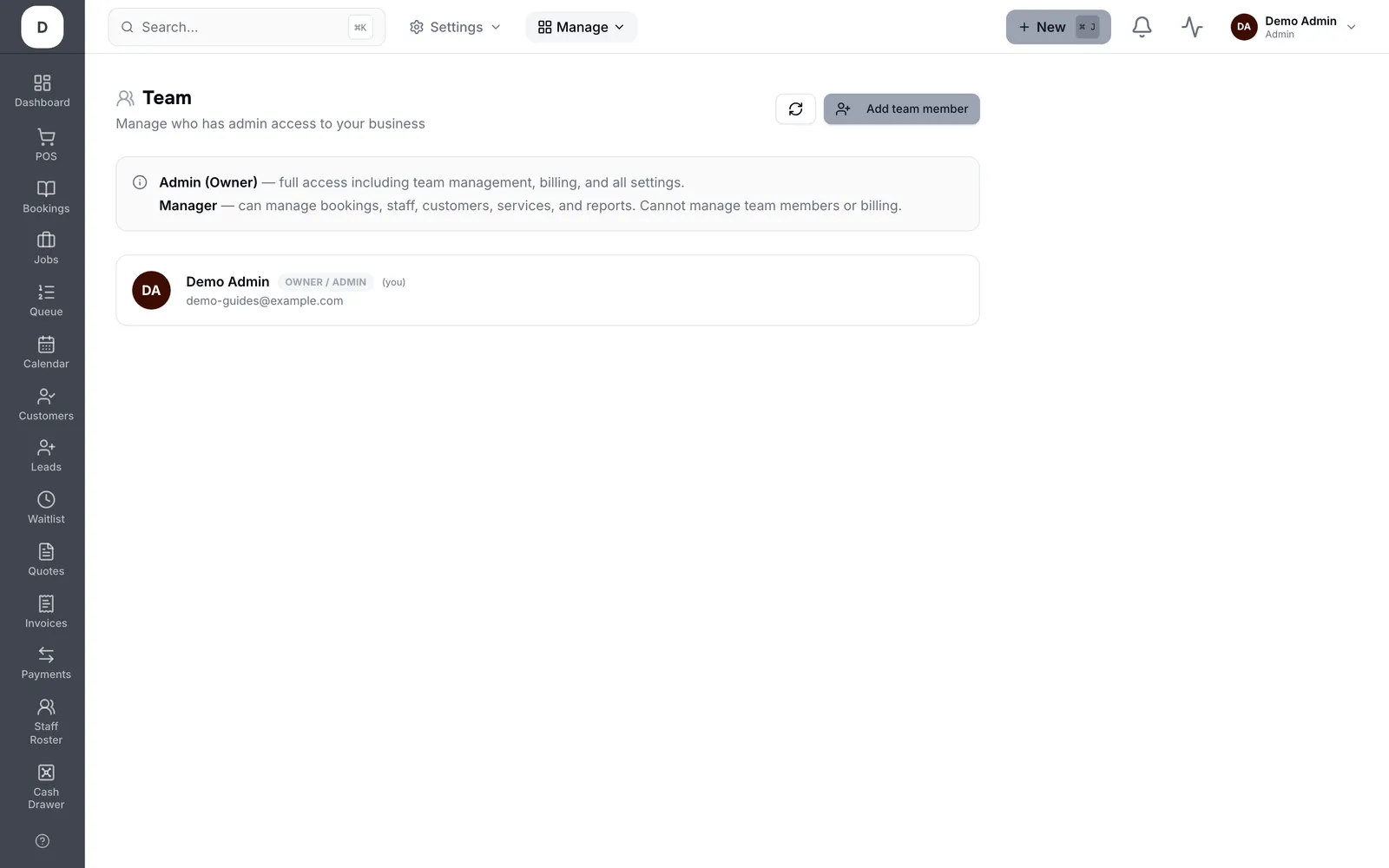
1. Add someone with their Full name and Email; they get an invitation to set their own password.
2. Set the Role — Manager and Admin see more than a standard member.
3. Deactivate rather than delete when someone leaves: their history stays attached to the work they did.
Tip: Give the narrowest role that lets someone do their job. It is easy to raise later and awkward to explain afterwards.