Catalogue & team
Staff & rostering
Add your team, set working hours, and control who can be booked for what.
Staff records connect the roster, the calendar, commissions and timesheets.
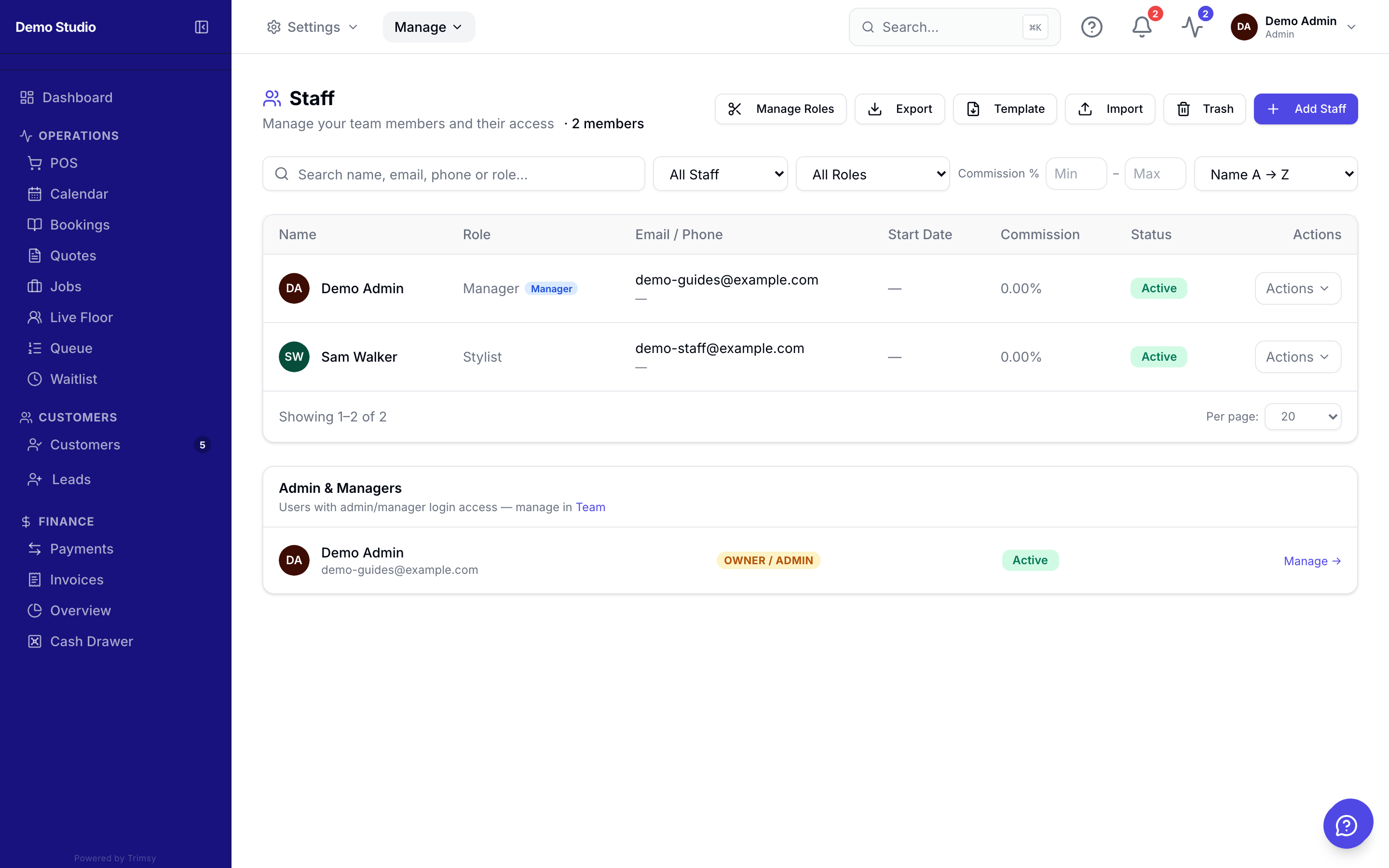
1. Open Manage ▸ Team ▸ Staff and click Add staff member.
2. Choose which services each person can perform — online booking respects it.
3. Set the weekly roster under Manage ▸ Team ▸ Roster.
4. Invite staff to log in with their own access level.
Tip: The booking page only offers times when a qualified staff member is rostered on.