Catalogue & team
Set your availability
Tell the roster when you can and cannot work.
Availability is what you offer; the roster is what is agreed. This page is the first half.
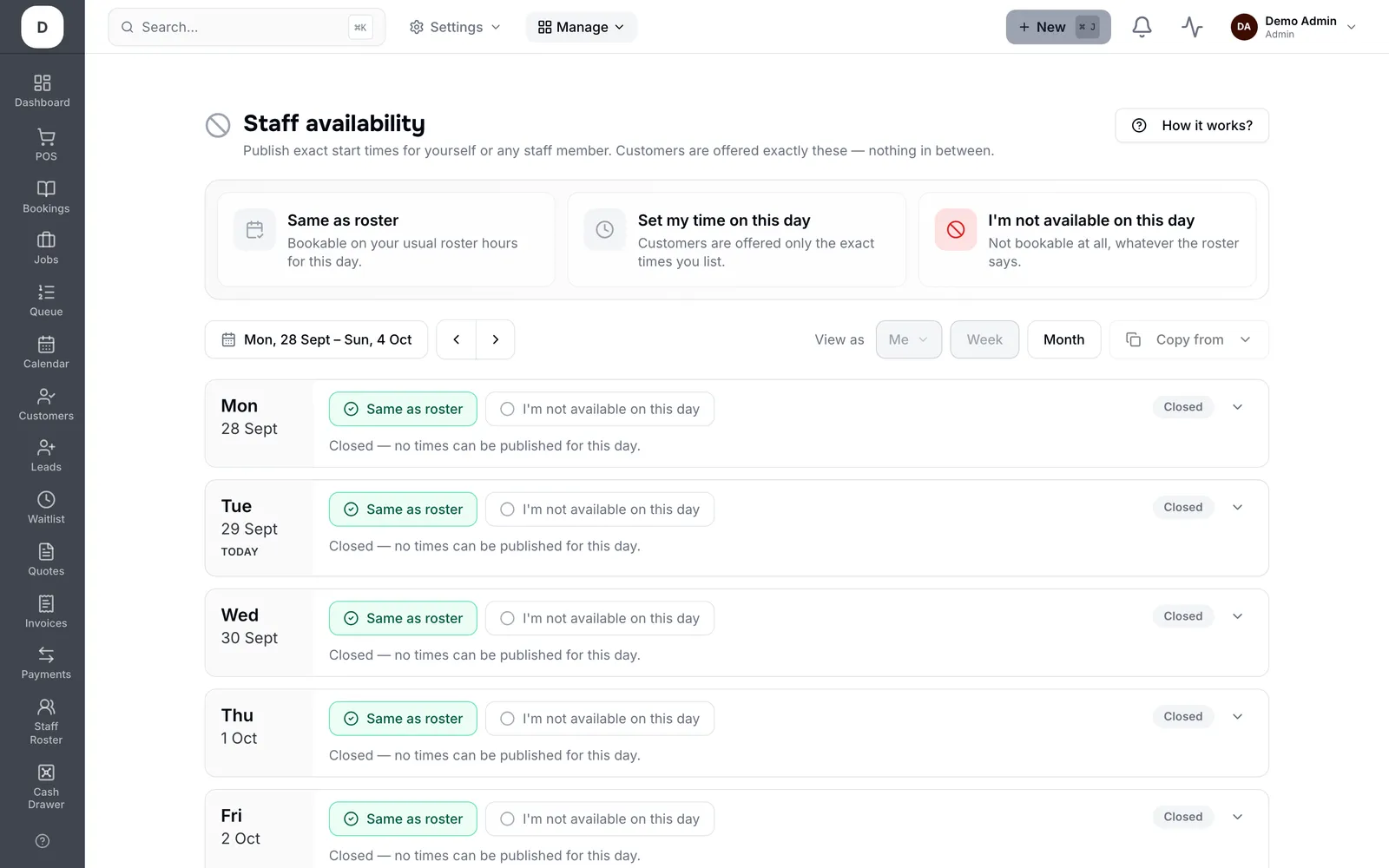
1. Tap any day to edit that week, then Add times for the hours you can work.
2. This week only versus Repeat for decides whether you are changing one week or a standing pattern.
3. Clear times marks a day you cannot work at all.
4. Days with no roster set show as such, so gaps are visible rather than assumed.