Catalogue & team
Services & pricing
Set up the services customers book, with prices, durations and categories.
Services drive everything: the booking page, the calendar, the POS and your reporting all read from this list.
1. Open Manage ▸ Catalogue ▸ Services.
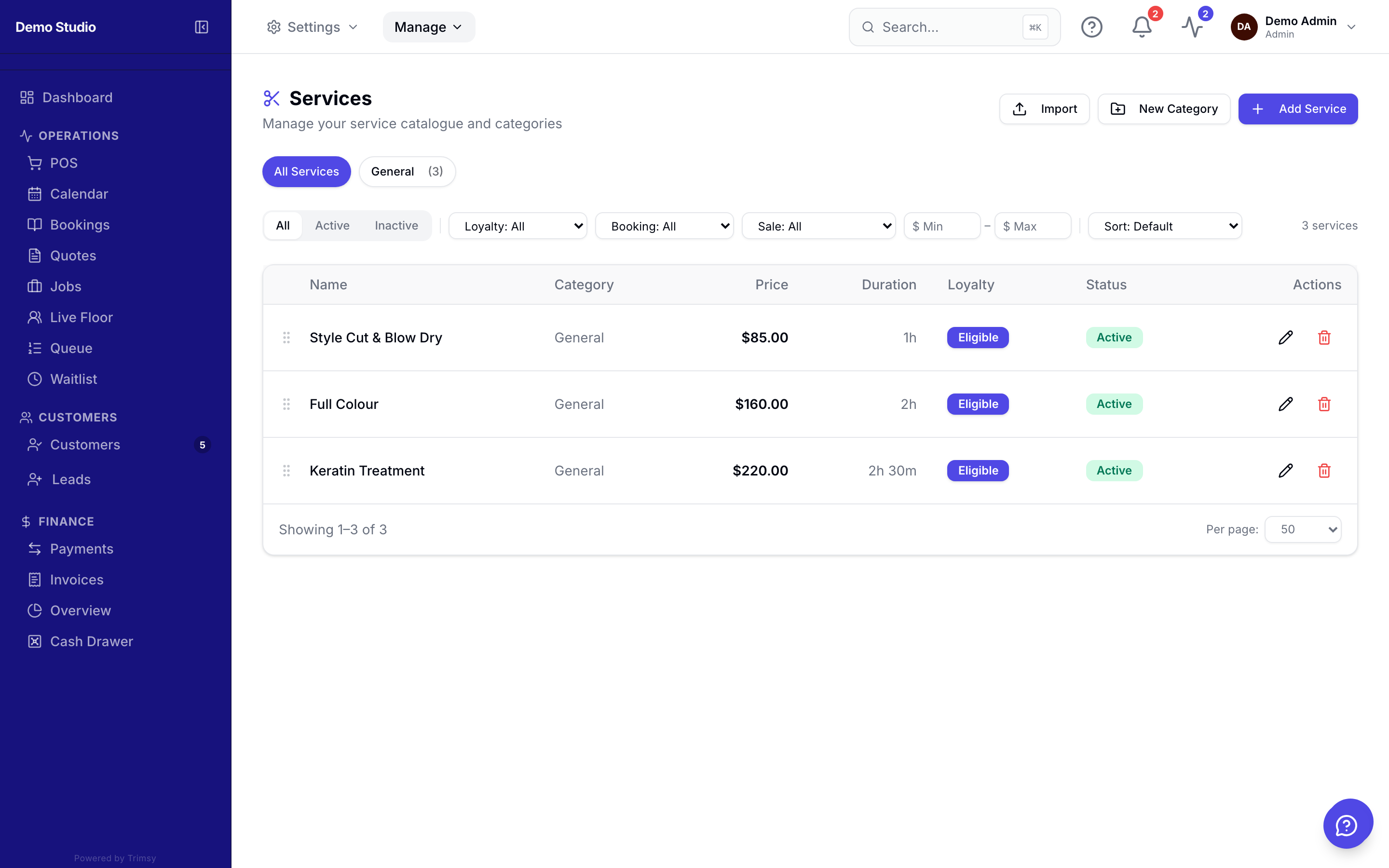
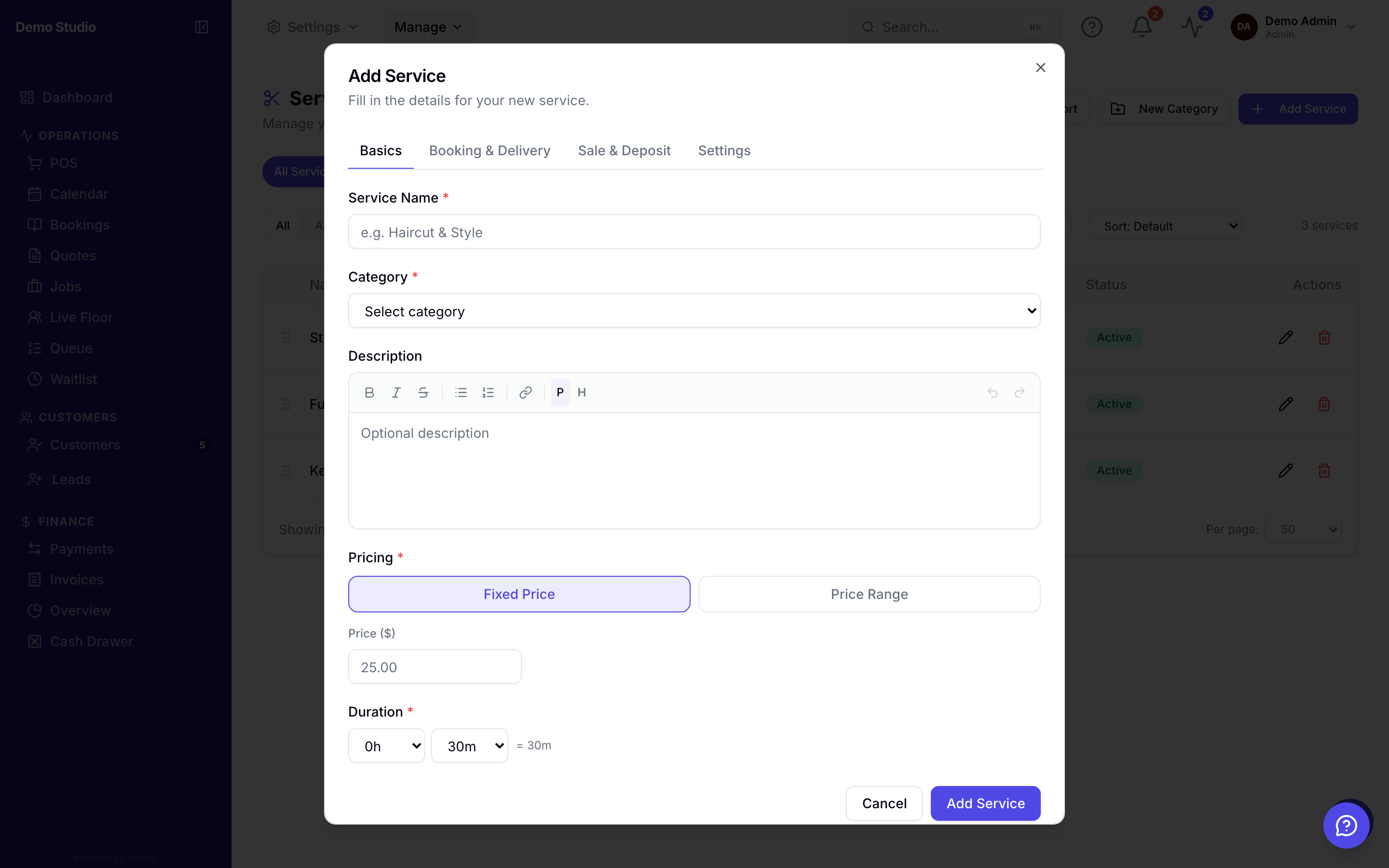
2. Add a service with its price and duration.
3. Group services into categories so the booking page stays scannable.
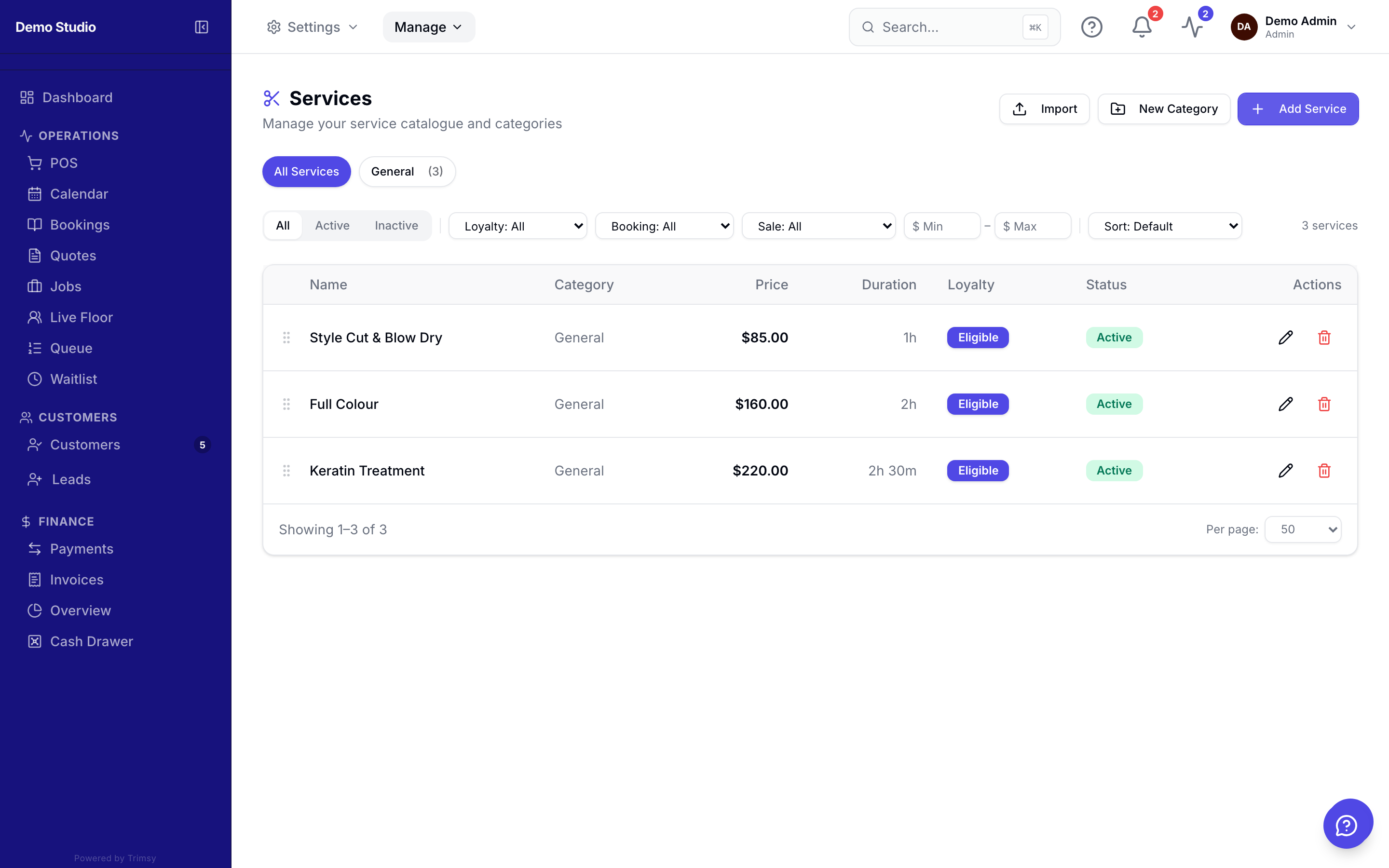
4. Toggle a service inactive to hide it without deleting history.
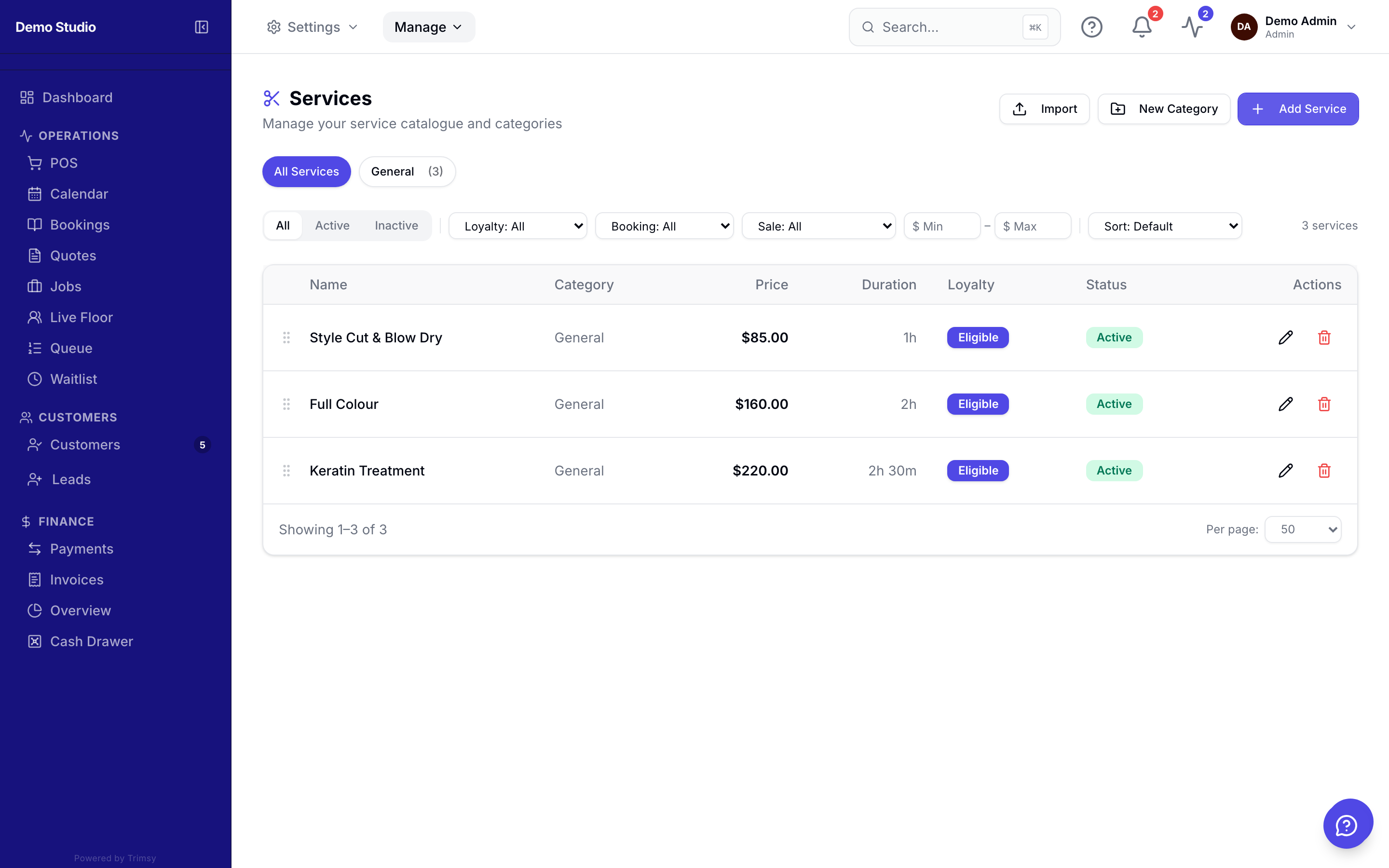
Tip: Services can require a deposit individually — useful for long appointments.