Catalogue & team
Products & stock
Sell retail products through the POS and keep an eye on stock levels.
Products appear on the POS grid alongside services — with stock counts that decrement on every sale.
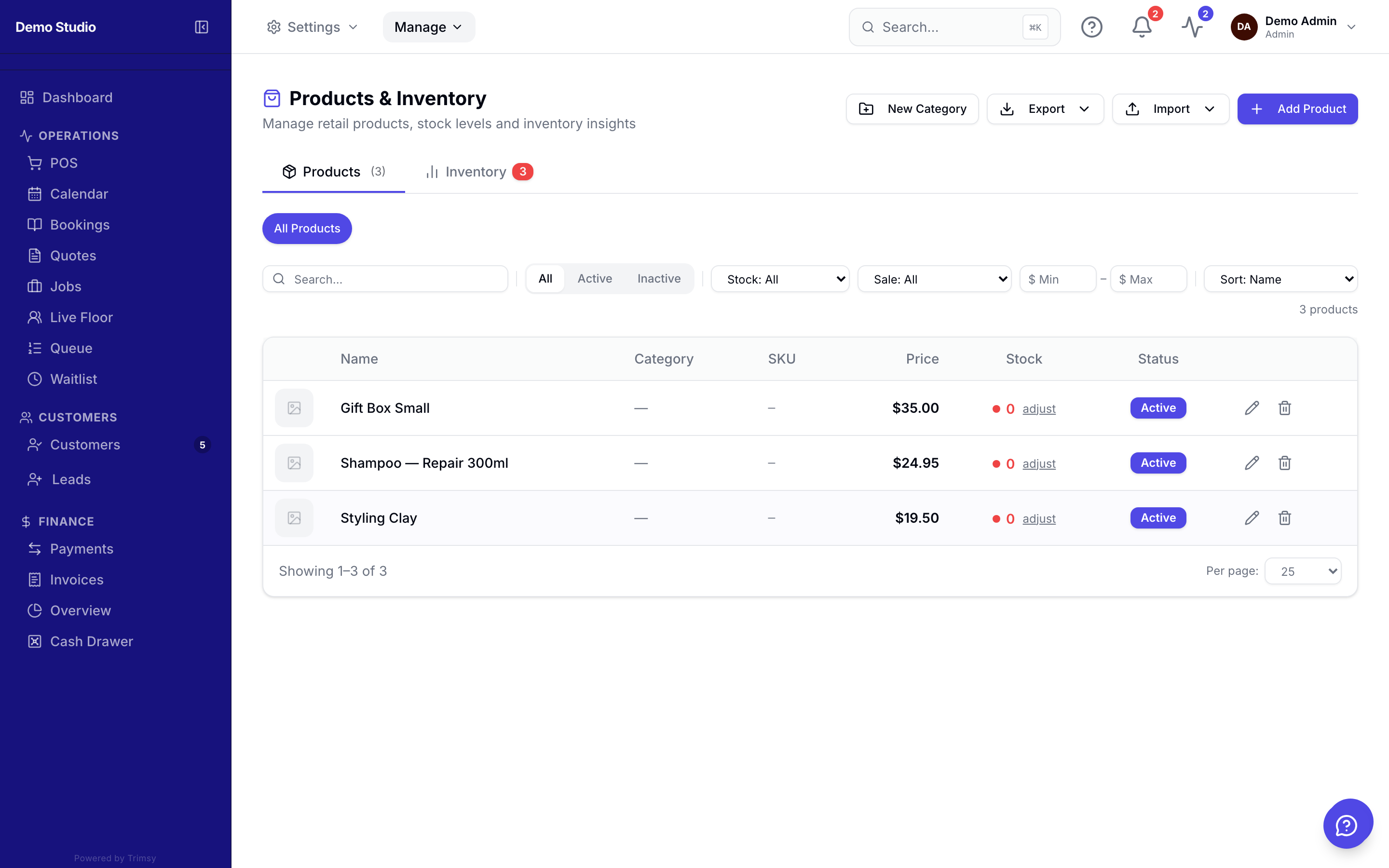
1. Open Manage ▸ Catalogue ▸ Products and click Add product.
2. Set the price, cost and opening stock level.
3. Sell through the POS — stock adjusts automatically.
4. Watch low-stock indicators to reorder in time.