Bookings & calendar
Managing bookings
Create, confirm, reschedule and cancel bookings from the bookings list.
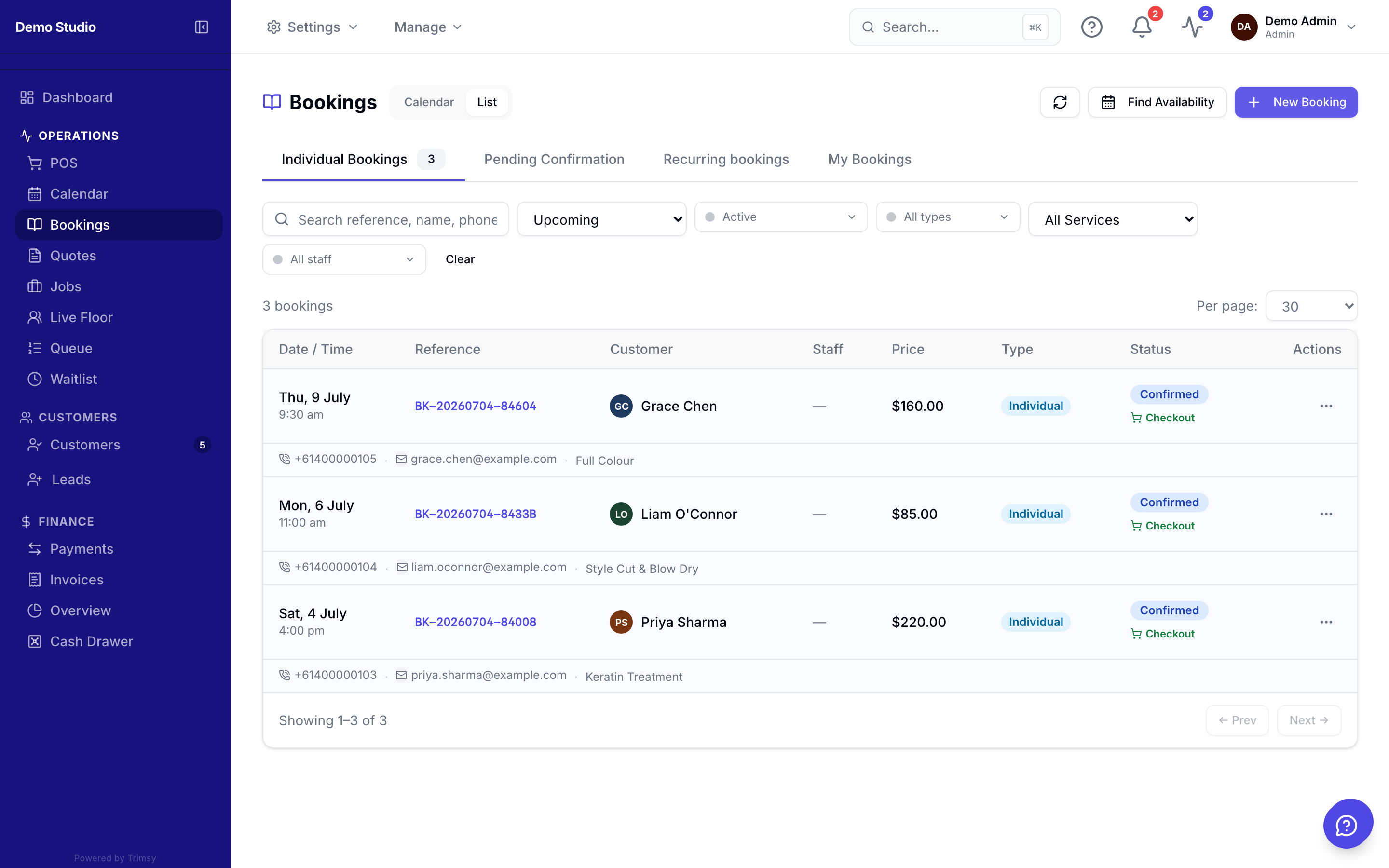
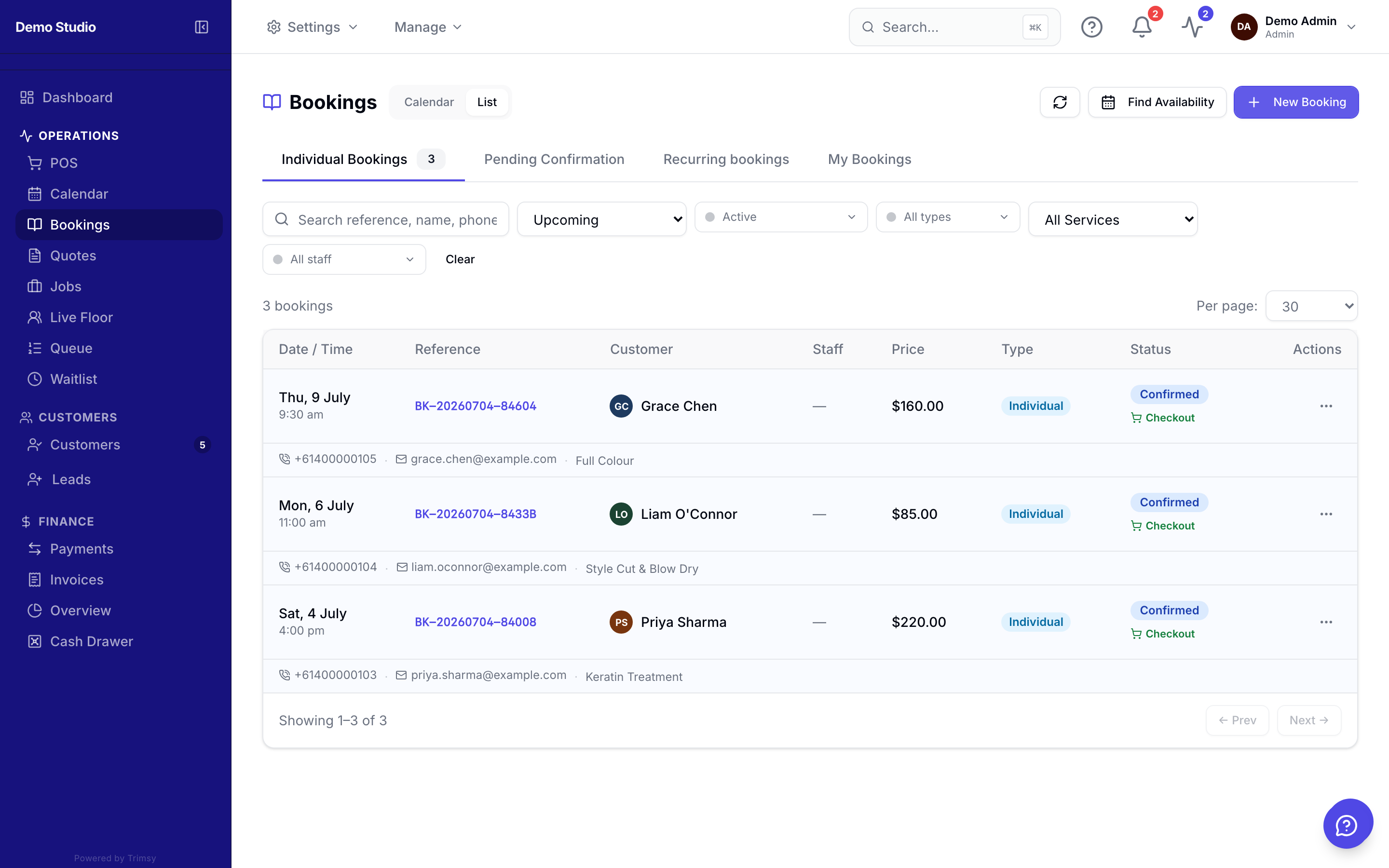
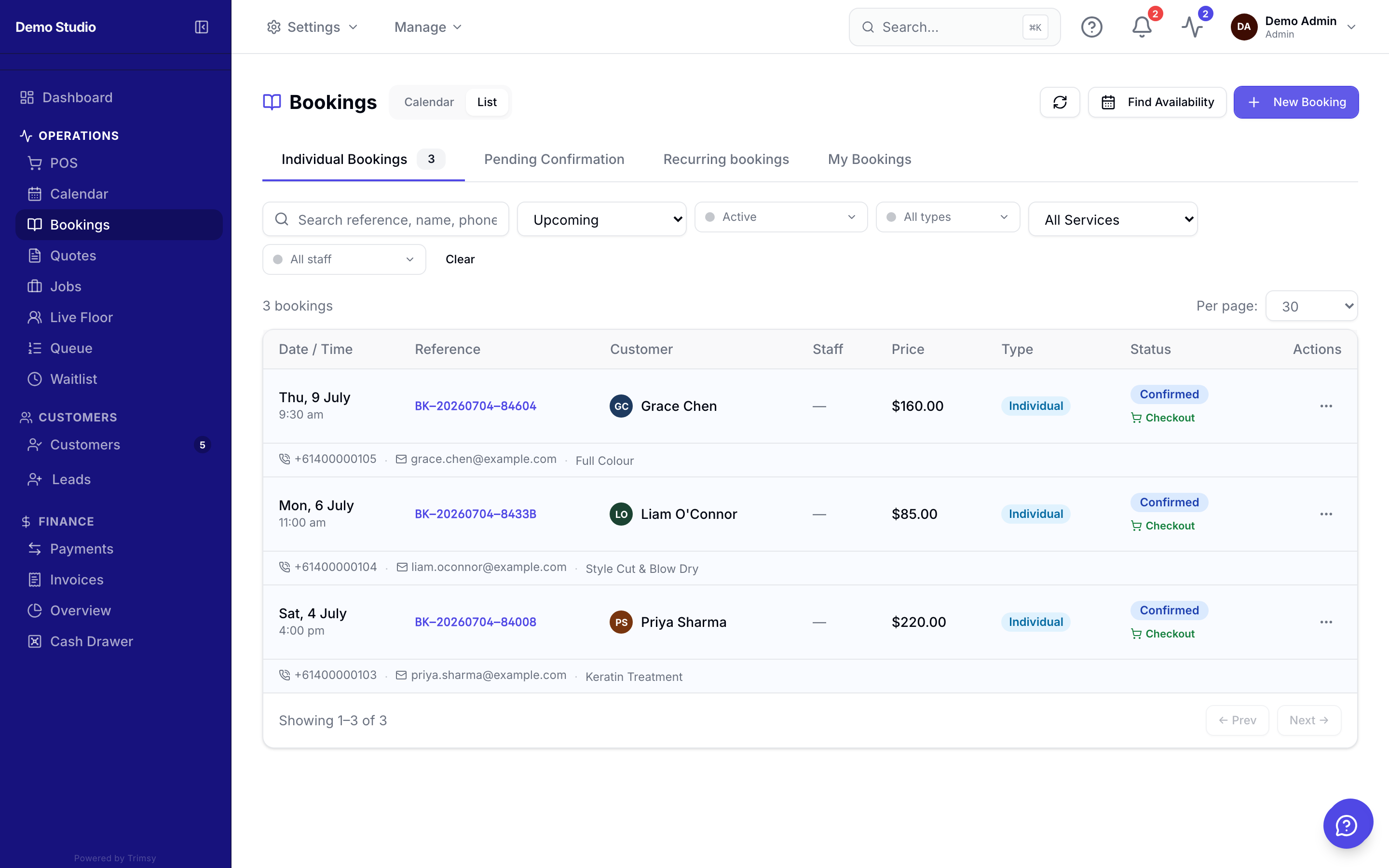
The bookings list shows every appointment with its status — pending, confirmed, completed, cancelled or no-show.
1. Open Sidebar ▸ Bookings to see upcoming and past appointments.
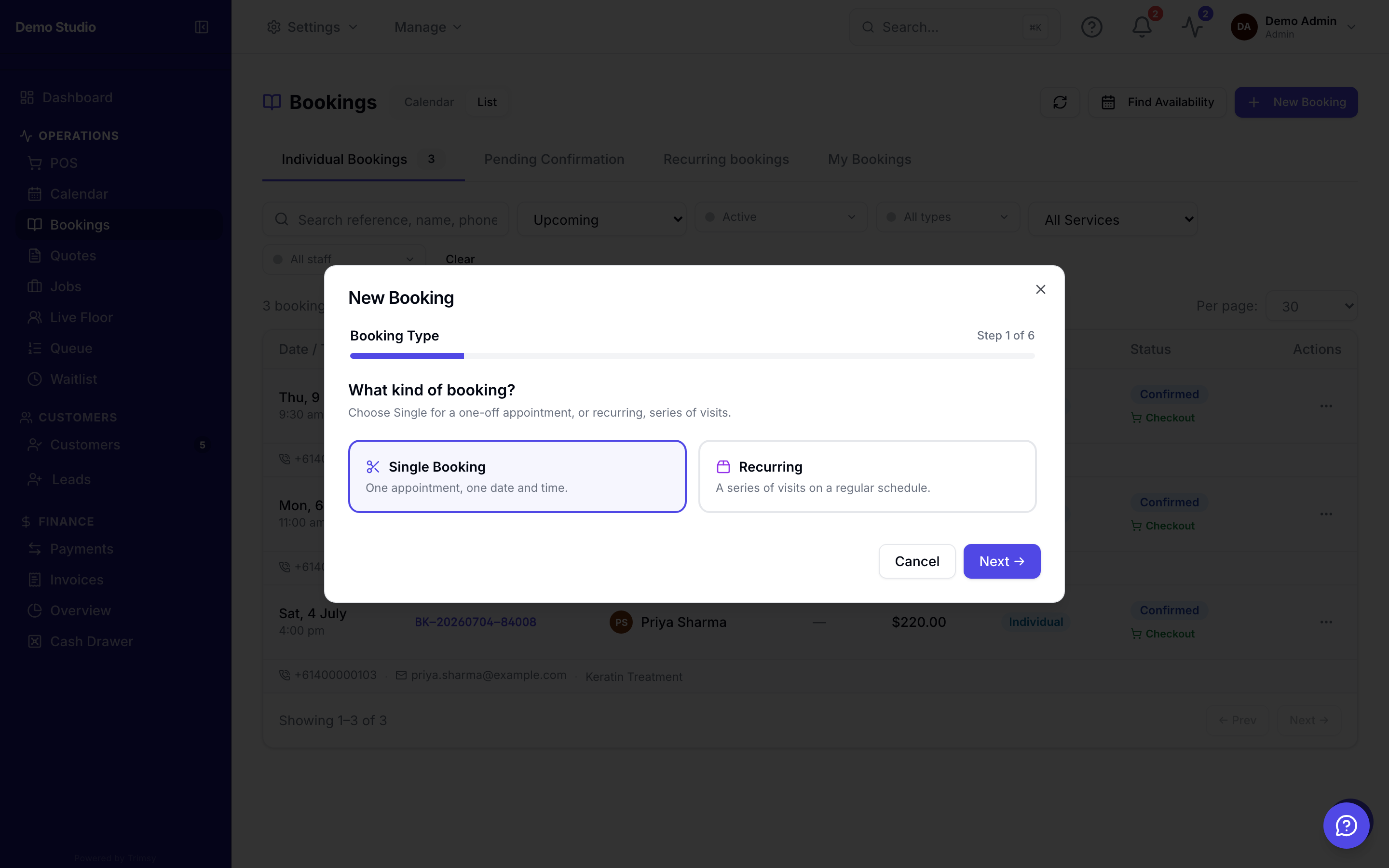
2. Click New booking, pick the customer, service, staff member and time.
3. Confirm pending bookings so the customer gets their confirmation message.
4. Use the row menu to reschedule, cancel or mark a no-show.
Tip: Online bookings from your booking page land here as pending unless you turn on auto-confirm in Settings ▸ Booking.