Bookings & calendar
Using the calendar
See every booking across staff and locations on a day or week view.
The calendar is mission control for appointments — drag to reschedule, click to open, colour-coded by status.
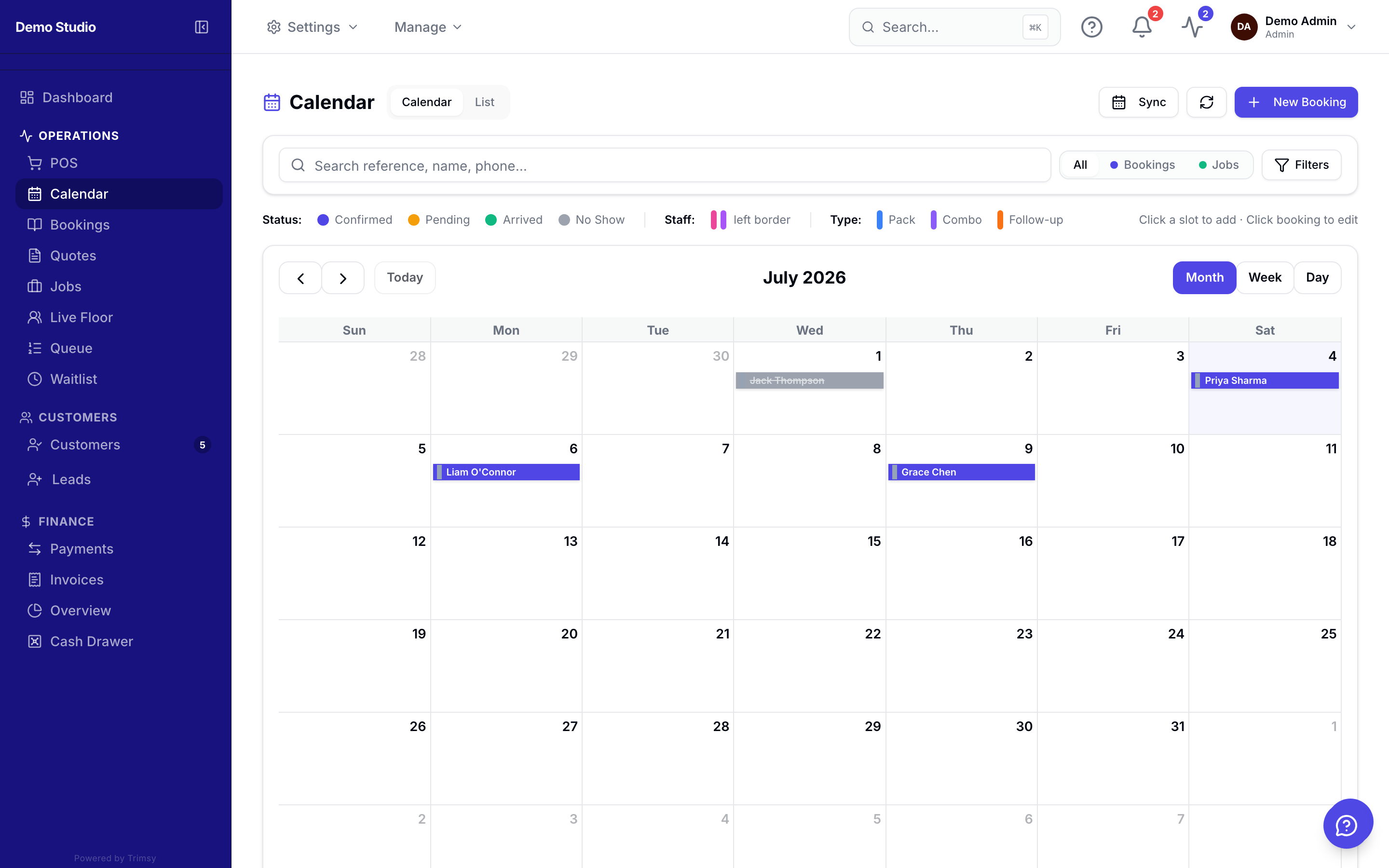
1. Open Sidebar ▸ Calendar and switch between day and week views.
2. Click any empty slot to create a booking at that time.
3. Drag a booking to a new time or staff column to reschedule it.
4. Click a booking to see its details, take payment or update its status.
Tip: Use the location switcher in the top bar to view one site at a time.