Bookings & calendar
Take a booking by hand
Create a booking for someone who rang, walked in or messaged.
Most bookings arrive on their own. This is the form for the ones that do not — a phone call, a regular you are slotting in, a group.
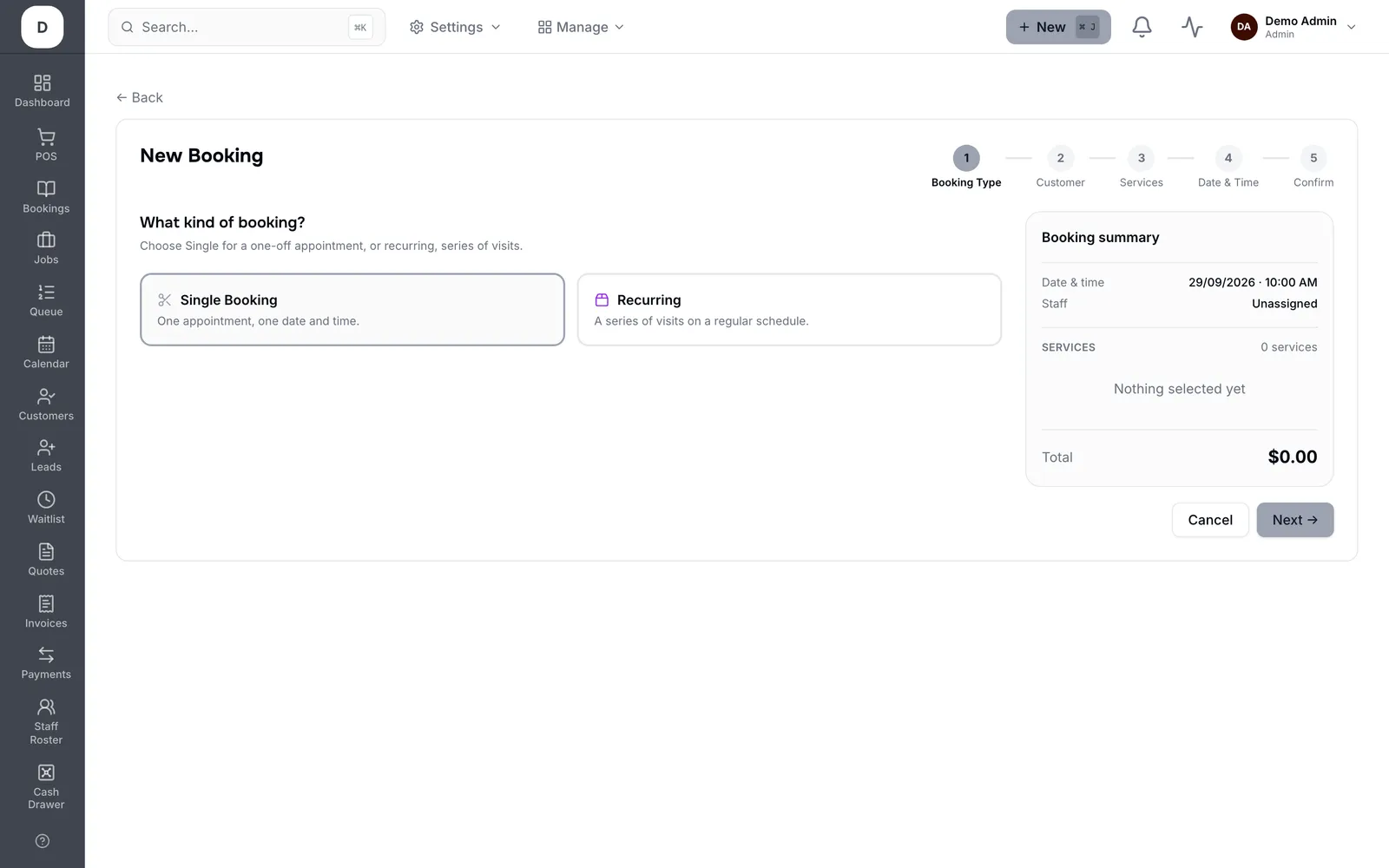
1. Pick the customer, or create one inline if they are new to you.
2. Choose the services; each carries its own duration and price, so the slot sizes itself.
3. Pick the staff member, or leave it to anyone available if it does not matter.
4. Set the date and time, then save. The customer gets the same confirmation an online booking would send.
Tip: Adding services rather than typing a duration keeps the price, the roster check and the reminder all consistent with an online booking.