Bookings & calendar
Using the waitlist
Capture demand when you're fully booked and convert entries into bookings with one click.
When no slot suits, customers join the waitlist — and you convert them the moment a cancellation opens a gap.
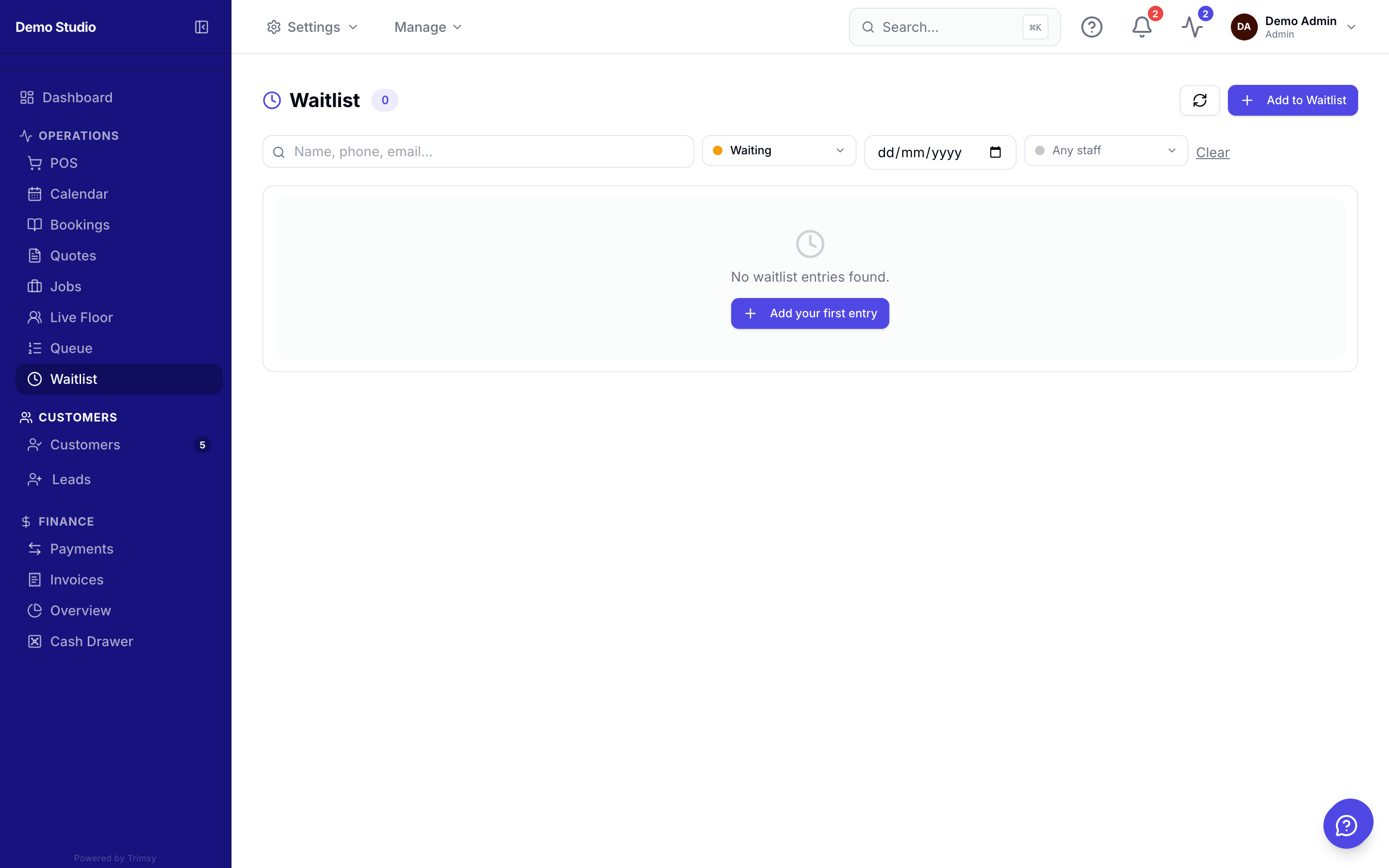
1. Open Sidebar ▸ Waitlist to see everyone waiting for a slot.
2. Add an entry with the customer, preferred service and time window.
3. When a slot opens, click Convert to booking on the matching entry.
4. The customer gets the normal confirmation message automatically.