Bookings & calendar
Running the walk-in queue
Manage walk-ins with live wait times, SMS notifications and a self-serve kiosk.
The queue keeps walk-ins flowing: customers join at the kiosk or via QR code, staff call them up when ready.
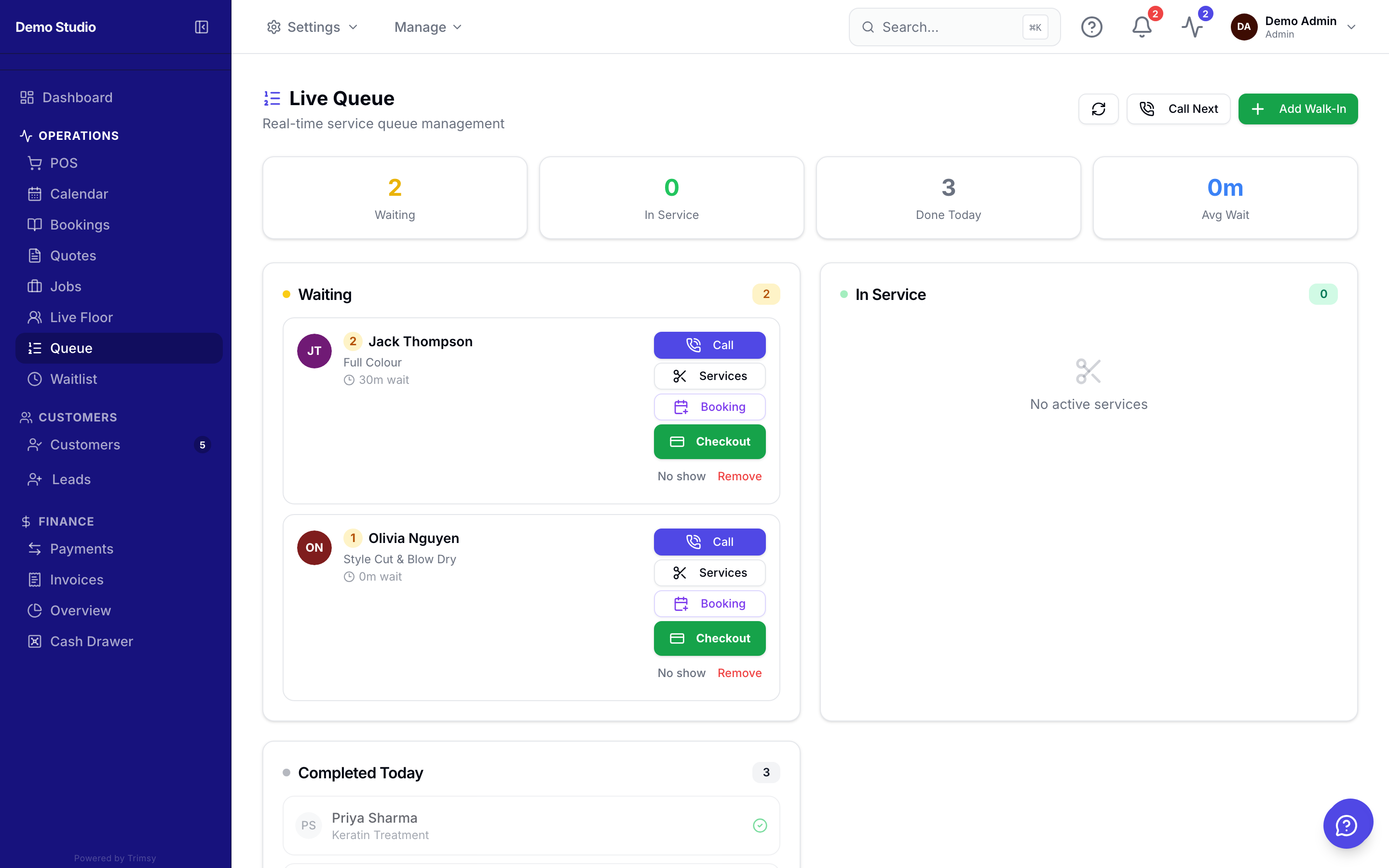
1. Open Sidebar ▸ Queue to see who's waiting and for how long.
2. Click Add to queue for a walk-in, or let customers join via the kiosk or QR link.
3. Click Start when you take a customer — their status flips to in-service.
4. Complete the entry to record the visit and free the spot.
Tip: Share Links has a printable QR poster customers can scan to join from their phone.