Catalogue & team
Your own roster
What you are working this week, and how to get it in your own calendar.
The staff-facing view of the roster: your week, your hours, your bookings.
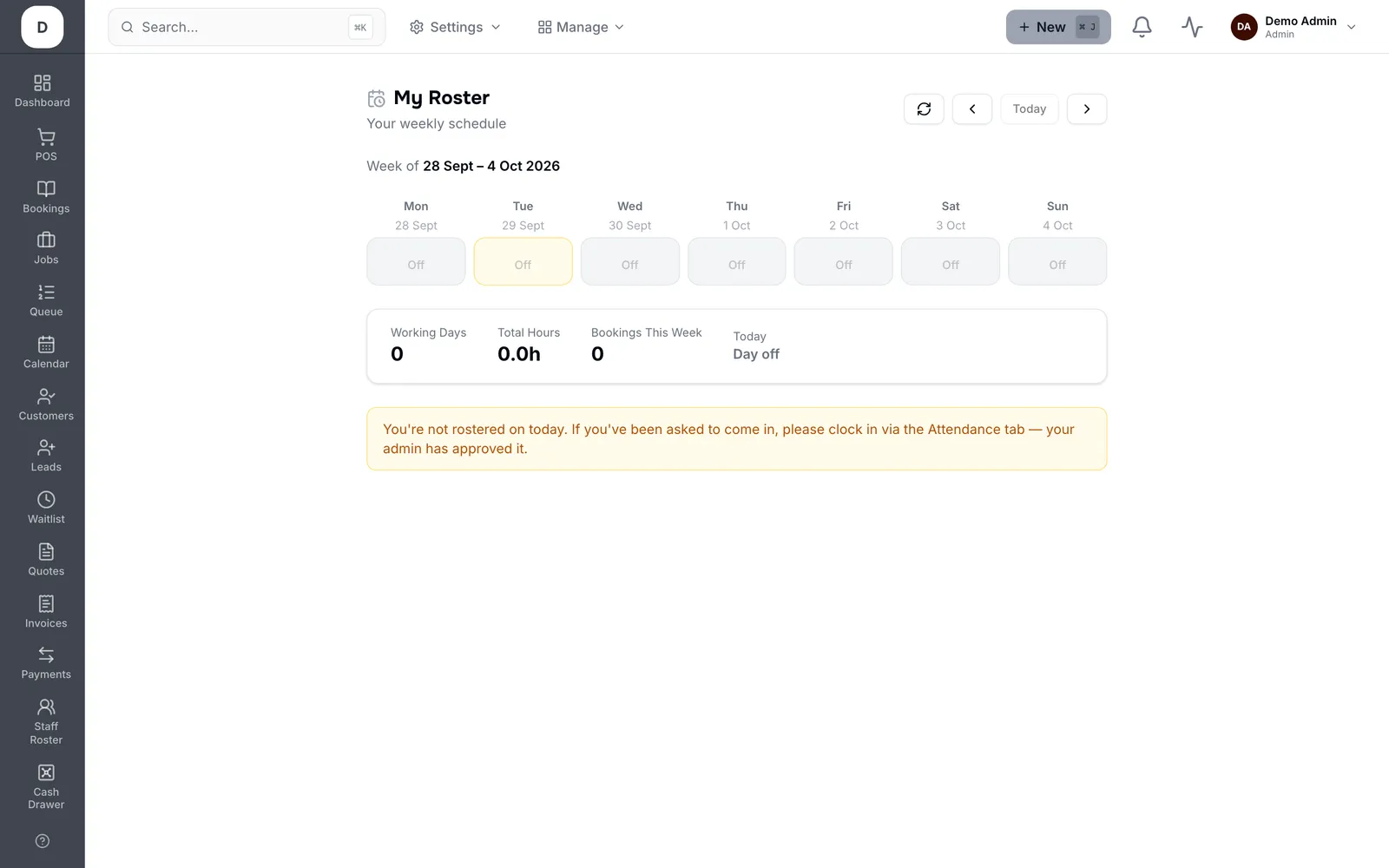
1. Your weekly schedule shows each day, with Day off marked and Today highlighted.
2. Working Days, Total Hours and Bookings This Week summarise the week at the top.
3. Use Calendar Subscription to feed it into your phone calendar so it updates itself.
Tip: The subscription is a live feed, not an export — a roster change reaches your phone without anyone re-sending it.