Online bookings
Take bookings while you are cutting hair
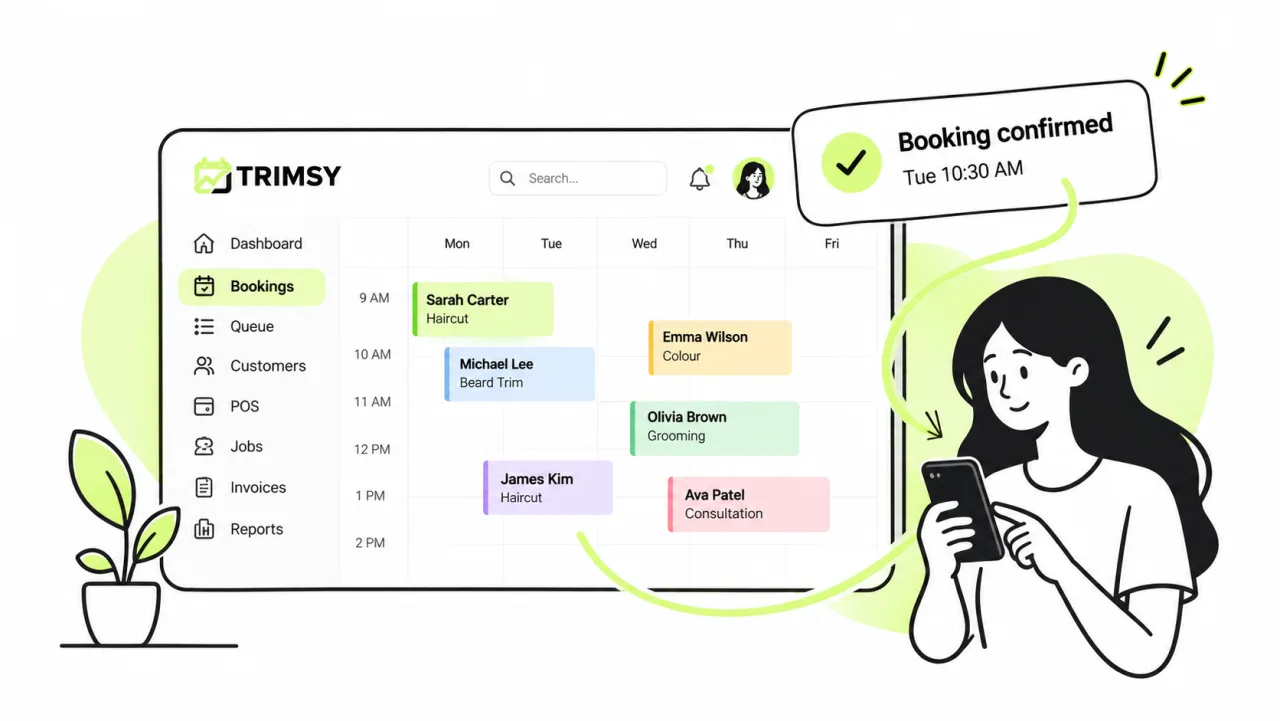
A booking page that knows your opening hours, your staff roster and how long each service actually takes — so the slots it offers are ones you can genuinely work.
14 days free · No credit card · Cancel any time
01
Slots you can actually work
Availability is calculated from the roster and the service, not from a grid someone drew once.
- Staff rosters drive who is bookable and when
- Opening hours, breaks and the closures you set — including public holidays
- A start-time interval you set — ten minutes up to several hours, or a custom value
- Duration taken from the service, so a colour never gets a trim-sized slot
- A daily booking cap you set — once it is reached the diary offers nothing more that day
- Block out time without creating a fake booking
02
Deposits stop the no-shows
Take a deposit or the full amount at the point of booking, through Stripe or Square.
- Fixed amount or a percentage of the service
- Charged during checkout, not chased afterwards
- Balance settles at the counter on the same record
- Automatic SMS and email reminders before the visit
03
Bookings that are not one person, one hour
Real diaries have groups, courses of treatment and standing weekly slots.
- Group bookings — several people, together or back to back
- Packs: a course of visits booked in one go
- Recurring appointments on a repeating pattern
- Virtual appointments over Zoom, Google Meet or Teams
- Intake forms attached to the booking, filled in before arrival
04
Your rules, your wording
The page is yours: what it shows, what it asks and what happens after.
- Show or hide price, duration and staff member
- Auto-confirm, or hold everything for review
- Auto-assign a rostered staff member when the customer has no preference
- Subscribe your own calendar to the live feed
Walkthrough
What it looks like once a booking lands
What the customer fills in, and where it lands. The same record from the request to the till — nothing is re-keyed along the way.
Step 1
What the customer actually sees
Your services with their own durations and prices, combos shown as a saving against the parts, and a running summary that tells them what is still missing. "Add another person" is how a group books together. Earliest openings are computed from your shortest service and narrow as they choose — a guess the page is honest about being a guess.
Step 2
Every booking, with the state it is in
Reference, customer, staff member, price and status in one row. Bookings waiting on you sit under Pending Confirmation, and standing appointments under Recurring bookings, so neither hides in the main list.
Step 3
The diary everyone works from
Month, week or day, filtered by staff member or service. Confirmed, pending, arrived and no-show each read at a glance, packs and combos are marked as what they are, and Block Time takes an hour out without inventing a fake booking.
Everything else
The rest of the platform
Get started
Start free today.
14 days, no credit card, and your data comes with you if you leave.