Payments
Deposits online, card at the counter
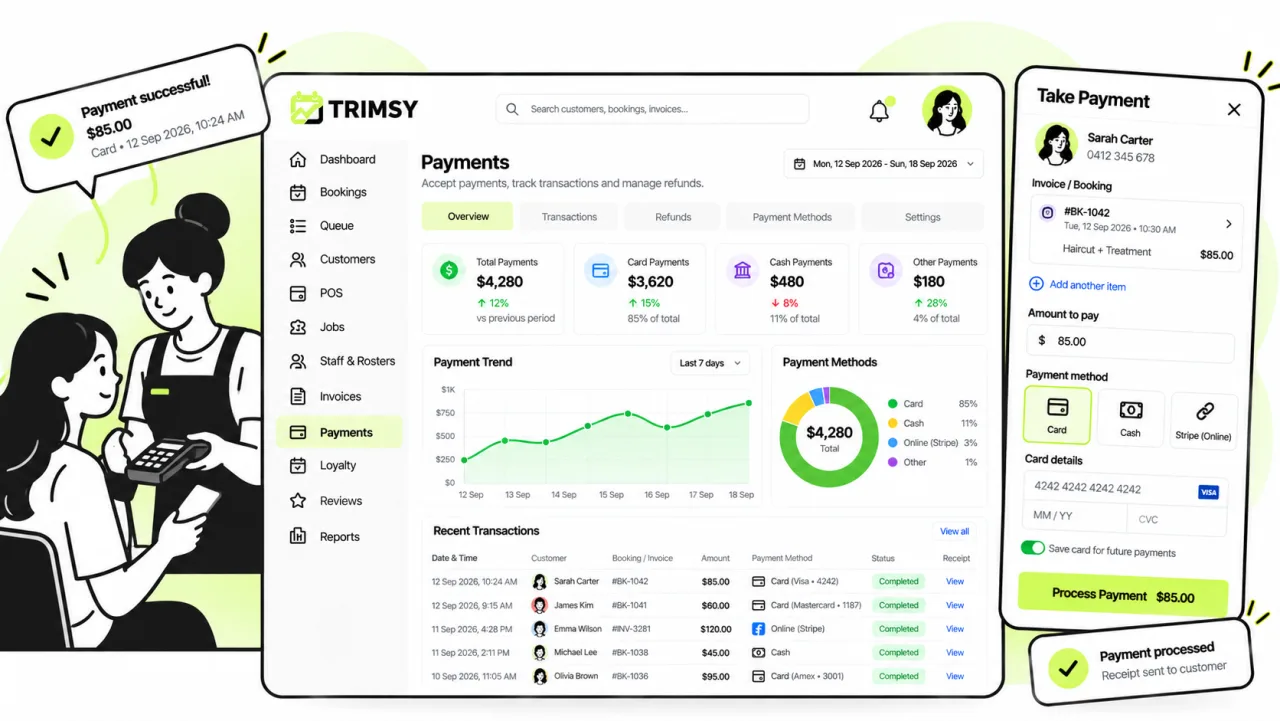
Card payments at the counter, deposits at the point of booking, and a link on the invoice — through your own Stripe or Square account, with no commission to us.
14 days free · No credit card · Cancel any time
01
Your account, your money
Connect the processor you already use. Payouts go to you on their schedule, not ours.
- Stripe or Square, connected to your own account
- No platform commission on anything you take
- One online gateway at a time, so reconciliation stays simple
02
The terminal on your counter
Use the reader you already have. Tap, insert or swipe, and the sale lands on the booking it belongs to rather than in a separate machine you reconcile later.
- Counter terminals from Square or Stripe — tap, chip and swipe
- Or record a card taken on a terminal you already own, without connecting it
- Charge the remaining balance after an online deposit, or take the full amount at checkout
- Split a payment across methods — part card, part cash
- Print or email the receipt
- Every takings line linked back to the booking automatically
03
Everywhere money changes hands
The same connection covers the counter, the booking page and the invoice.
- Card terminals at the counter
- Deposits taken during online booking
- Pay links on invoices
- Card surcharge applied and itemised, where you charge one
04
And when it goes wrong
Refunds and manual methods, recorded against the same sale.
- Refunds against the original transaction
- Part-refunds tracked as their own state
- Manual methods — bank transfer, cash — recorded with a note
Walkthrough
A deposit taken, and the balance still owing
This is a real invoice raised from a completed booking — not a mock-up. A $30 card deposit is recorded against it and $40 is still due, which is the state most invoices actually spend their life in.
Step 1
Part paid is a state, not a rounding
Total, paid and balance due are three separate numbers, with the balance called out because it is the one you chase. Once a payment is recorded the invoice locks itself — you refund and reissue rather than quietly editing a document the customer already has. Reminders show what was sent and when the next one fires, in your timezone.
Step 2
Where the money came from, and what you can do next
The payment carries its method, reference and note — "$30.00, card, deposit taken to secure the booking" — so a year later the reason is still on the record. Record another payment, charge the balance at the POS, send a reminder or refund, all from the same panel. Every line has its own GST column: this business is not registered, so the invoice says so rather than printing a zero and hoping.
Works with
The parts either side of this one
Everything else
The rest of the platform
Get started
Start free today.
14 days, no credit card, and your data comes with you if you leave.