Customers & documents
Custom fields on customers
Capture the details your trade needs that Trimsy does not ask for by default.
Every business tracks something particular. Custom fields add it to the customer record properly, rather than in a notes box.
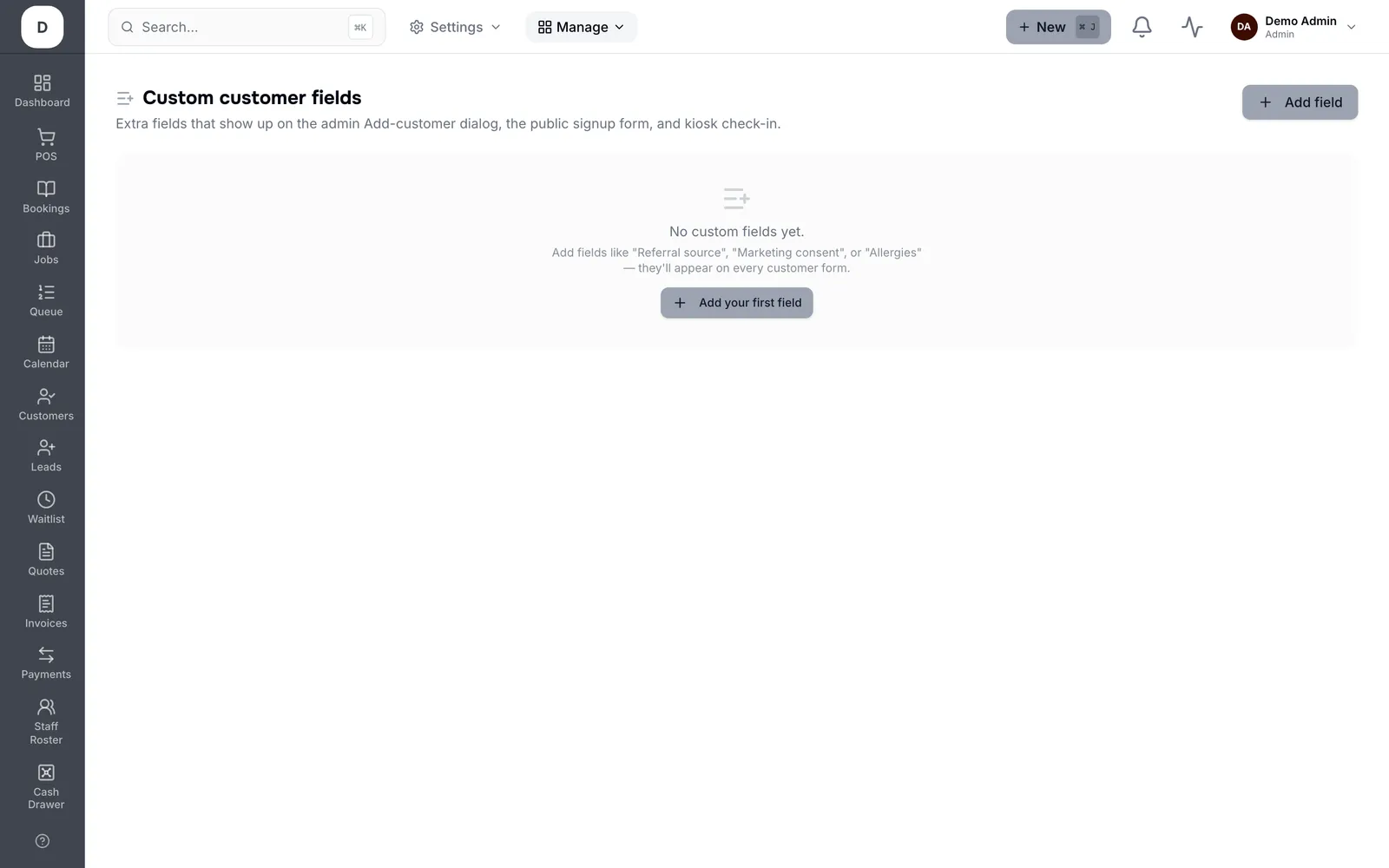
1. Create a Field and choose its type: text, Date, Dropdown, Checkboxes or File Upload.
2. Dropdowns and checkboxes take their own options; Allow multiple selections where more than one can be true.
3. Add Help text so whoever fills it in knows what you meant.
4. Mark a field Admin when it is internal and should not be shown to the customer.
Tip: Pick the narrowest type that fits. A dropdown you can report on beats free text you cannot.