Customers & documents
Read form responses
What customers have filled in, and what you are still waiting on.
Every intake form you send lands here, answered or not.
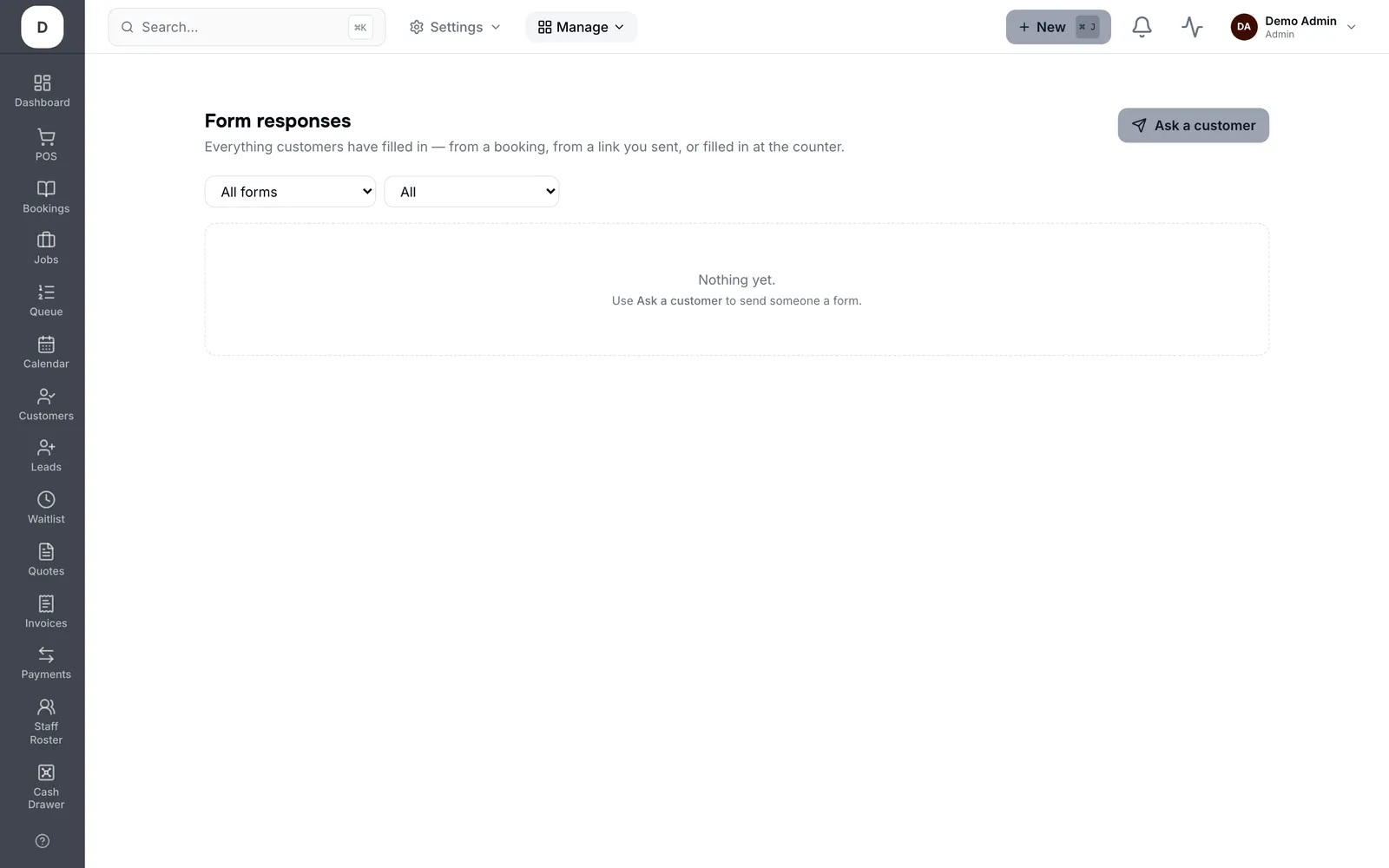
1. Filter by All forms, or by Status to separate Answered from Waiting on customer.
2. View opens a response against the customer who submitted it.
3. Use Ask a customer to fill a form to send or re-send one without leaving the page.
Tip: Waiting on customer is the actionable list. Everything else is already done.