Customers & documents
Managing customers
Add customers, import from a spreadsheet, and open the full customer profile.
Every booking, invoice, document and note hangs off the customer record — keep it tidy and everything else follows.
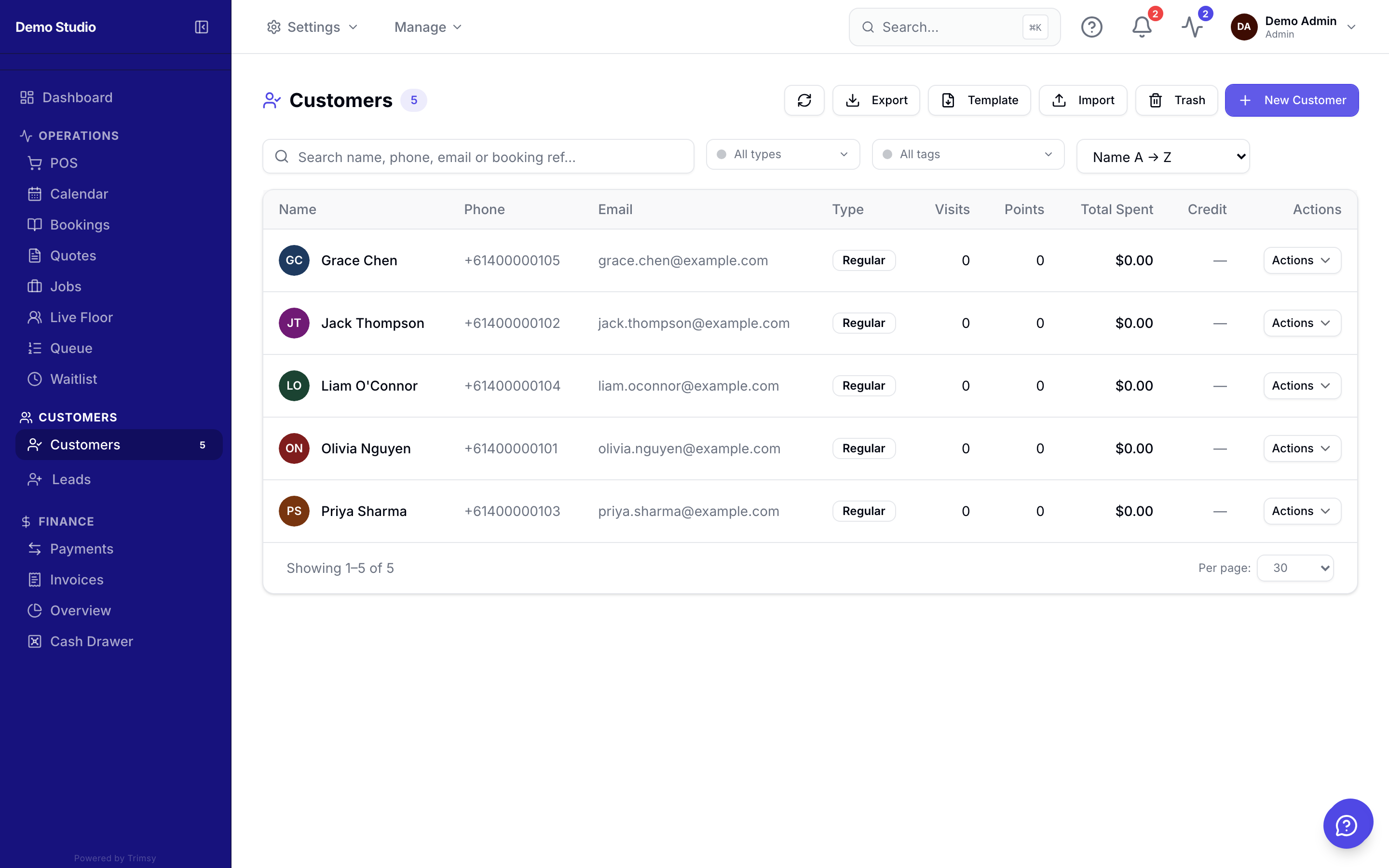
1. Open Sidebar ▸ Customers and search by name, email or phone.
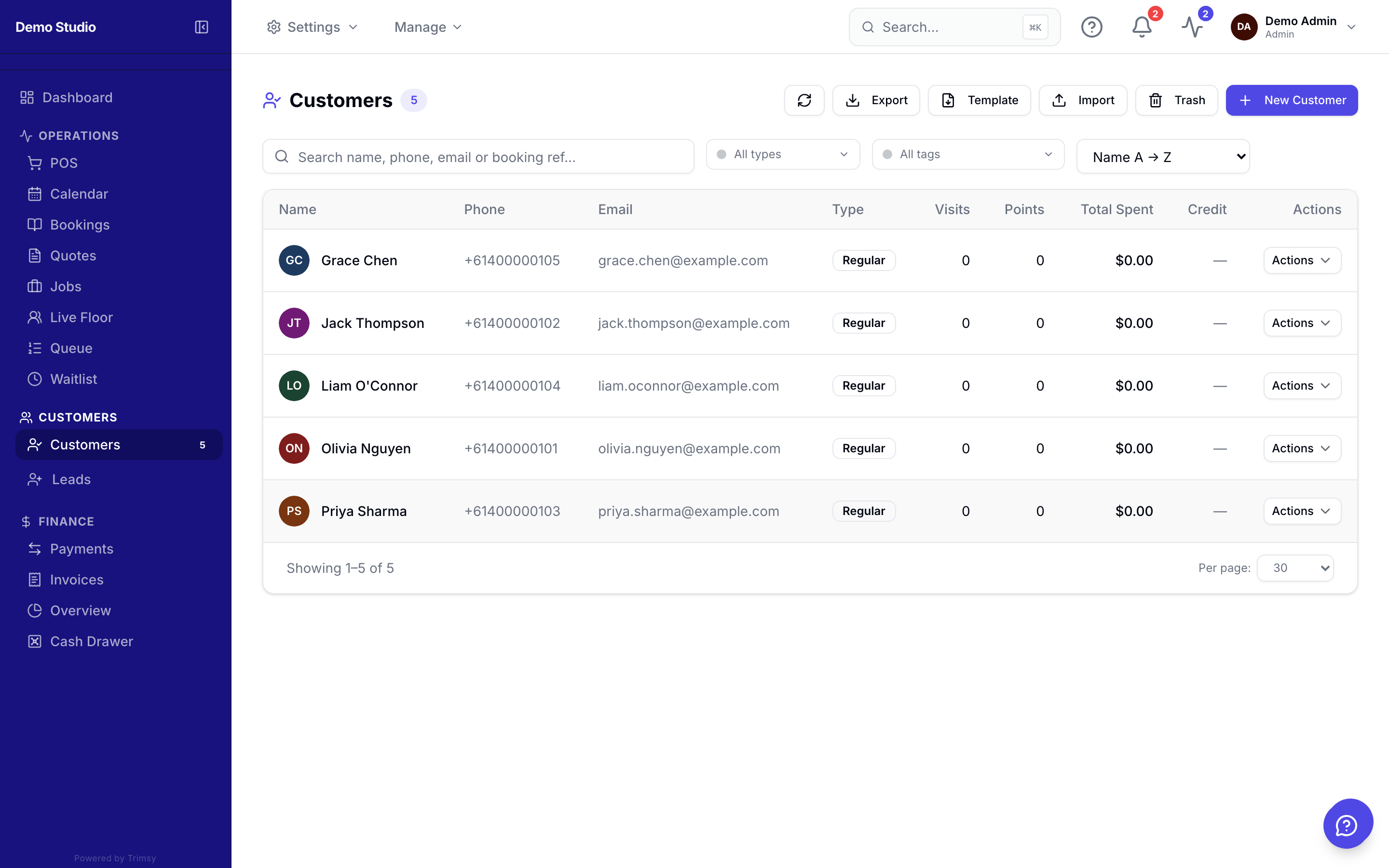
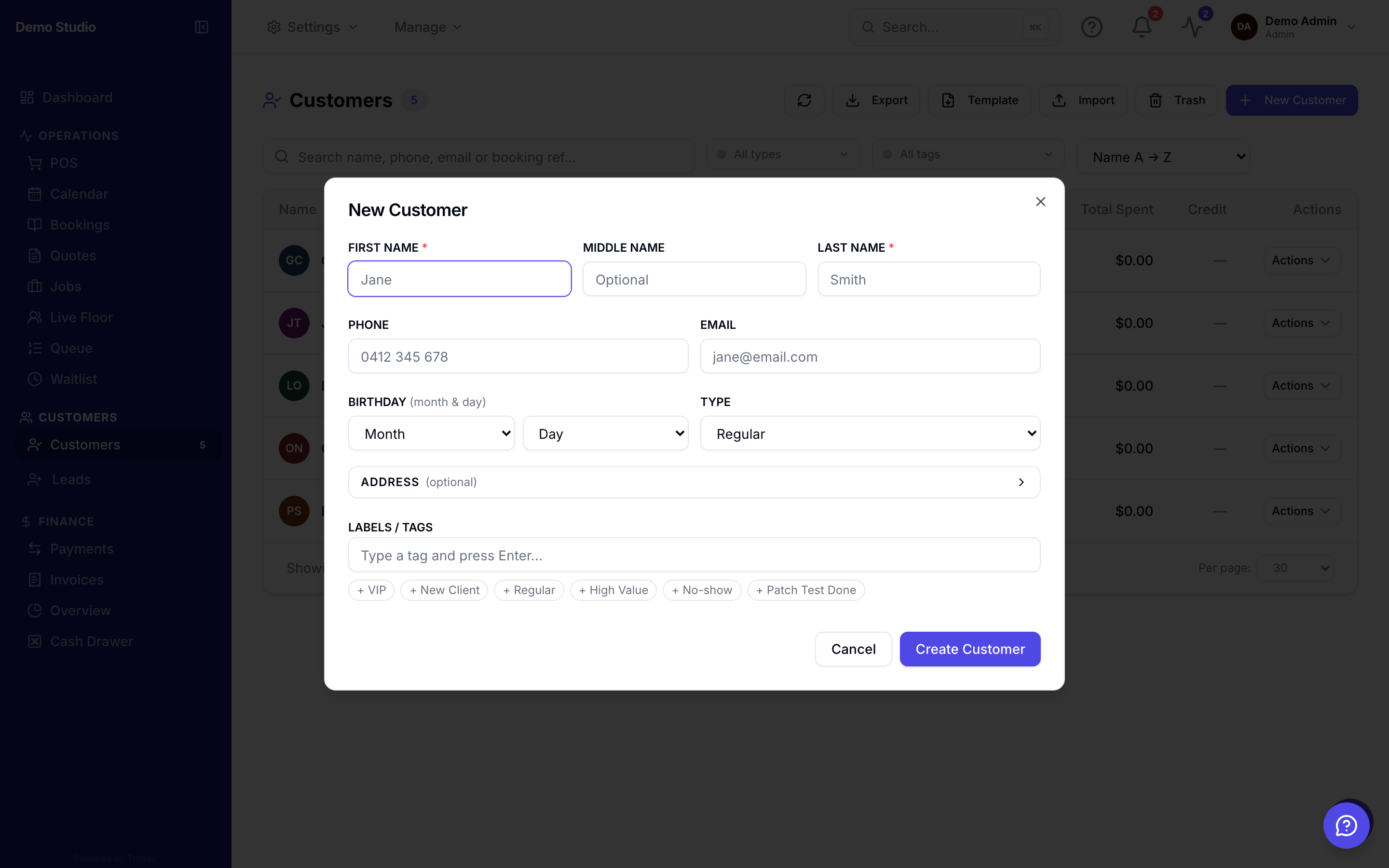
2. Click Add customer for a single record, or Import to bring in a CSV/Excel list.
3. Open a customer to see their bookings, invoices, documents, notes and loyalty in one place.
4. Use the edit pencil to update details or the portal badge to check their signup status.
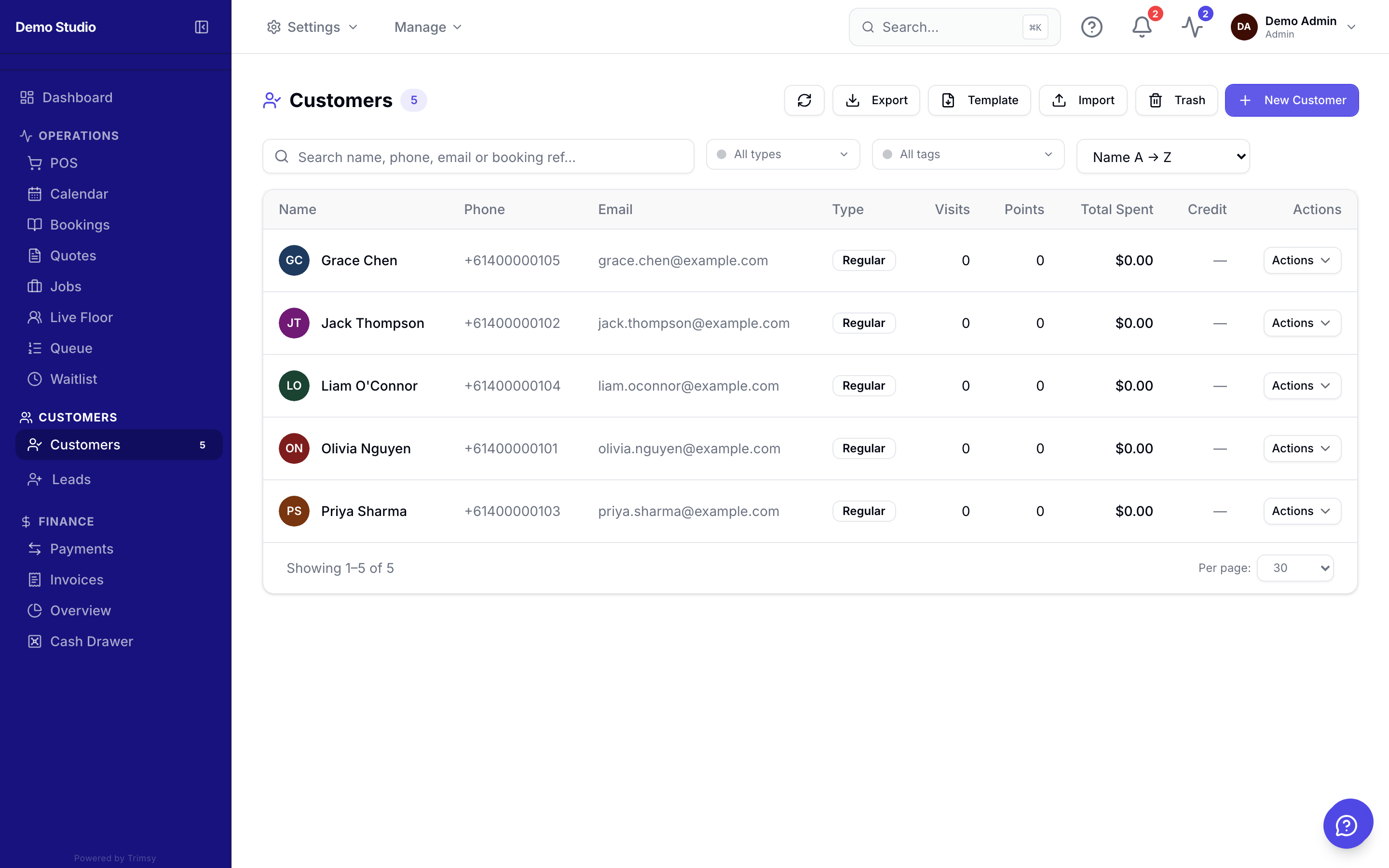
Tip: Importing? Map your columns once — Trimsy remembers the mapping for next time.