Customers & documents
Identity verification
Verify customer identity with document checks and the 100-point score.
For regulated work, Trimsy tracks which identity documents a customer has supplied and scores them against the 100-point standard.
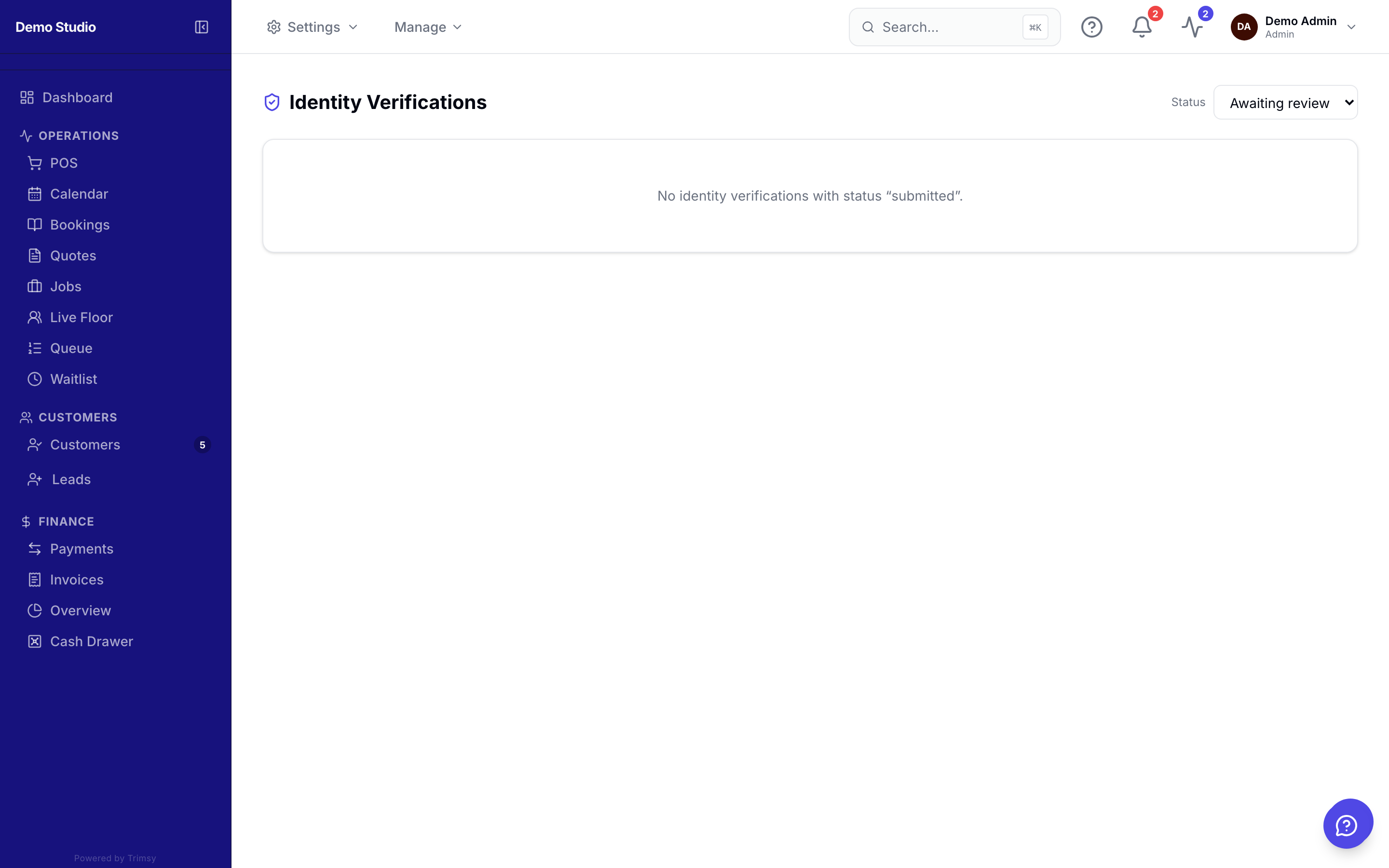
1. Open Sidebar ▸ ID Verification to see submissions awaiting review.
2. Open a submission to view the uploaded documents side by side.
3. Approve or reject with a note — the customer is notified either way.
4. Track each customer's ID score on their profile header.
Tip: Turn on the score widget and thresholds in Settings ▸ Customer Portal.