Customers & documents
Intake forms
Ask the right questions before an appointment with per-service intake forms.
Attach a form to a service and customers fill it during online booking — answers land on the booking and the customer record.
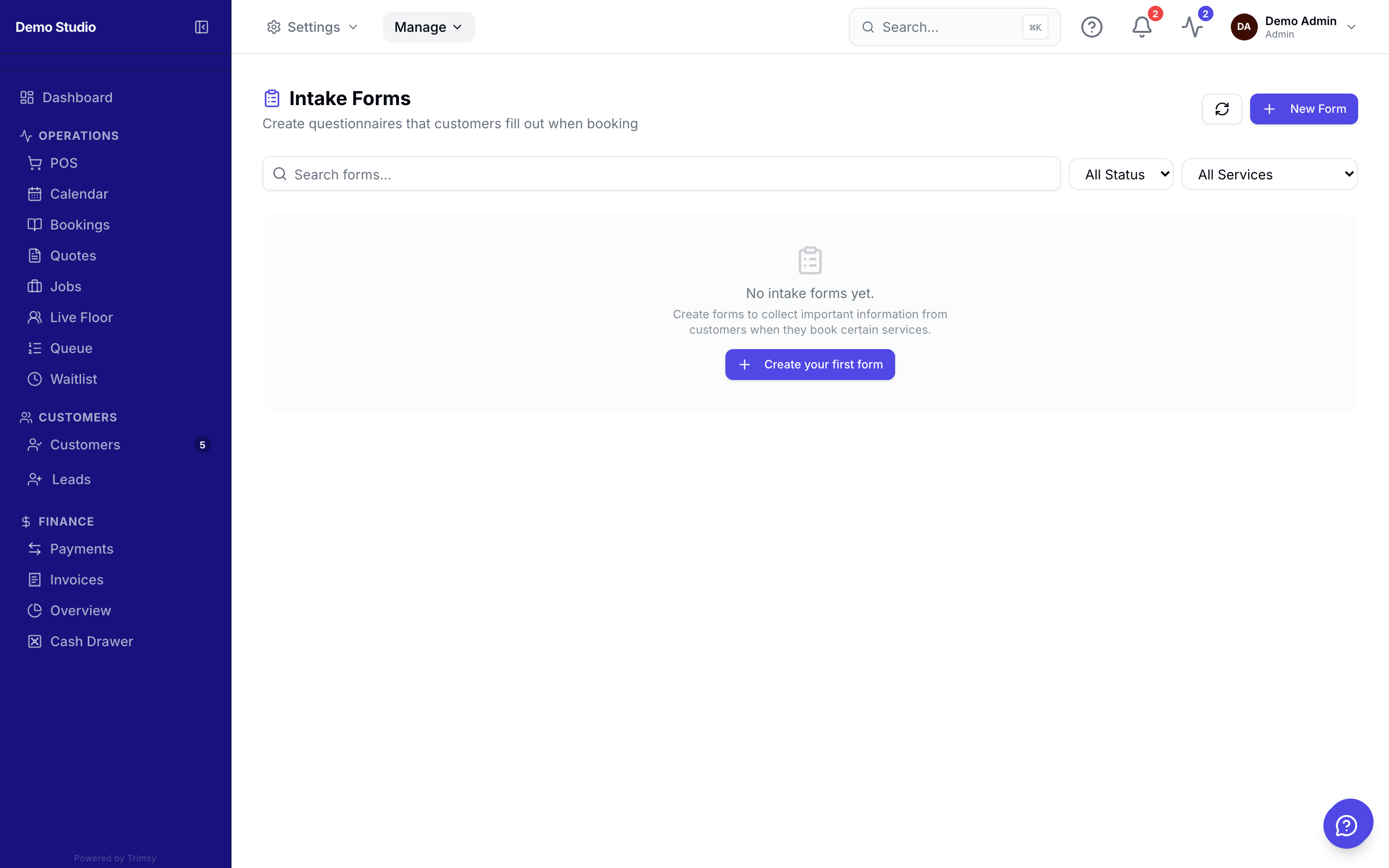
1. Open Manage ▸ Customer Data ▸ Intake Forms and click New form.
2. Add fields — text, choices, checkboxes, dates — and mark which are required.
3. Attach the form to one or more services.
4. Review responses on the booking or the customer profile.