Getting started
Migrate from Gettimely
Bring customers, services, staff and bookings across from Gettimely in four guided steps.
The migration wizard walks you through exporting from Gettimely and importing into Trimsy, one module at a time.
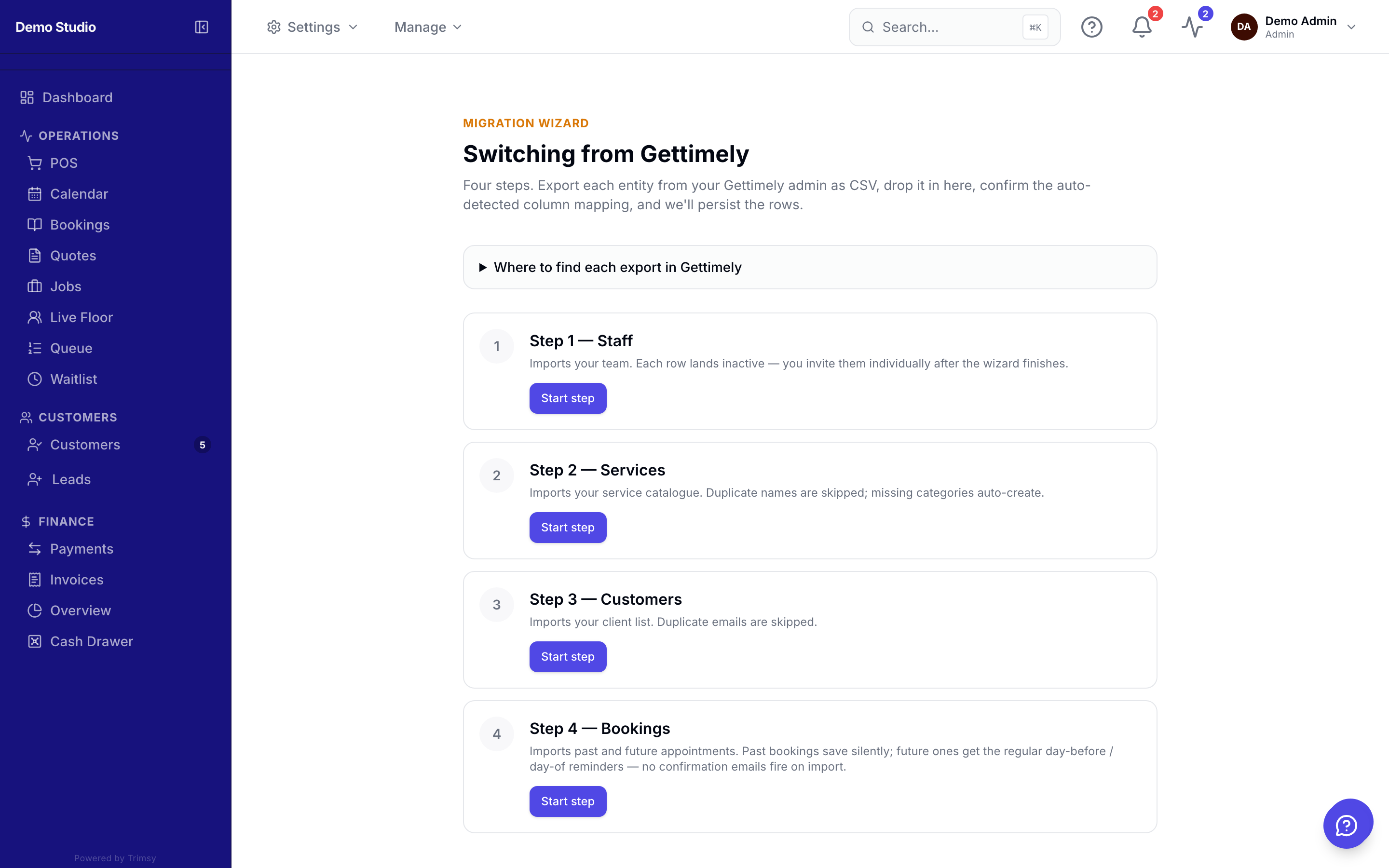
1. Open Admin ▸ Migrate from Gettimely.
2. Export each CSV from Gettimely following the on-screen instructions.
3. Upload the file for each step — Trimsy maps the columns and previews before importing.
4. Review the import summary; imported staff land inactive so you can invite them when ready.
Tip: Import customers first — bookings link to them automatically by email or phone.