Getting started
A tour of your dashboard
What each card on the Trimsy dashboard shows and where to go next.
The dashboard is your morning snapshot — today's bookings, queue, takings and anything waiting on you.
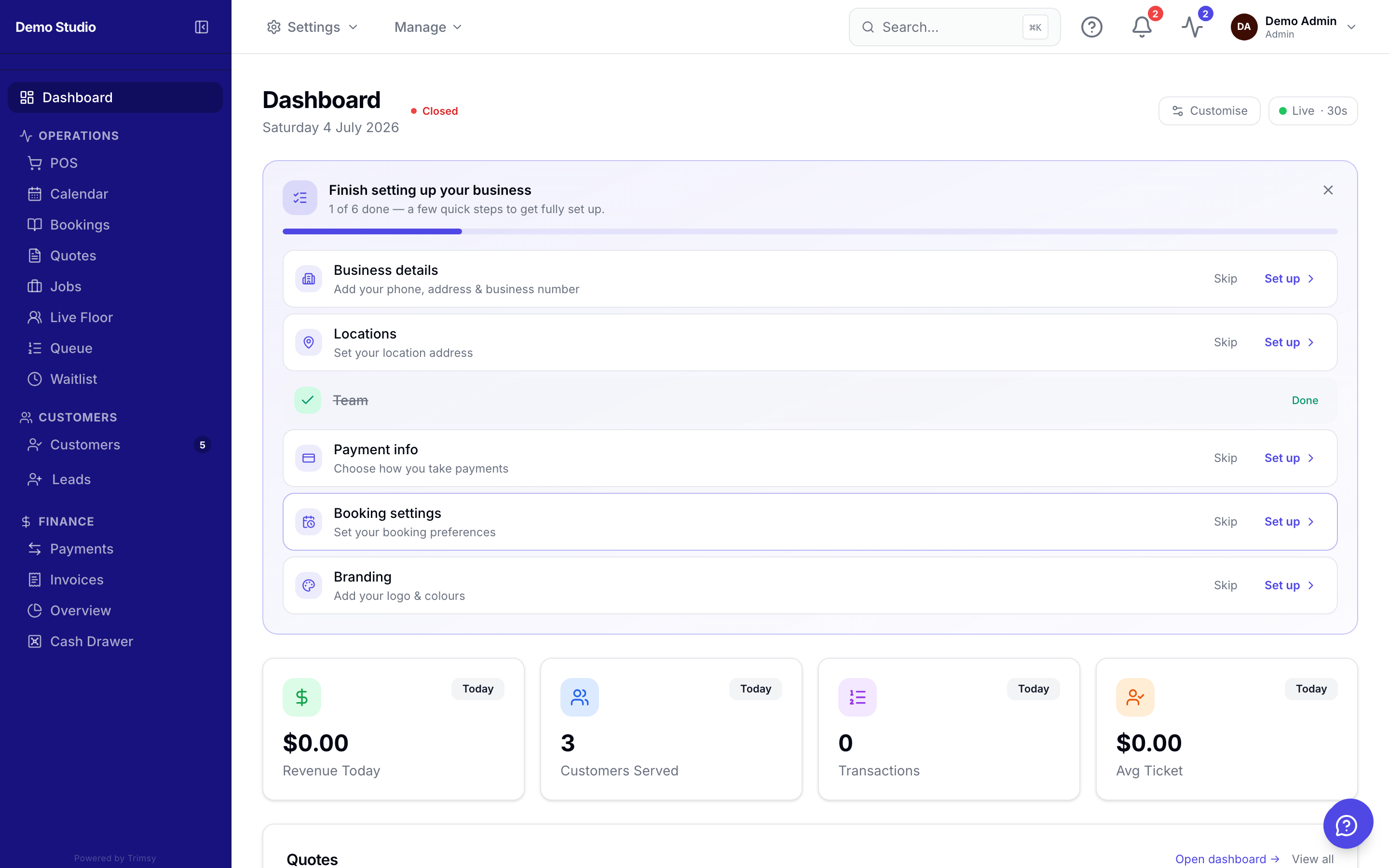
1. Check the open/closed badge and today's date at the top — it follows your business hours.
2. Scan the stat cards: today's bookings, queue length, revenue and new customers.
3. Use the quick actions to jump straight to POS, a new booking or a new customer.
4. Customise which cards appear with the Customize button on the right.
Tip: New workspace? Load sample data from the dashboard to explore with realistic records, then remove it with one click.