Payments & POS
Balance your cash drawer
Open, reconcile and close the till, and see any discrepancy.
The drawer tracks what Trimsy thinks is in the till against what is actually there, so a shortfall is spotted on the day rather than at the accountant.
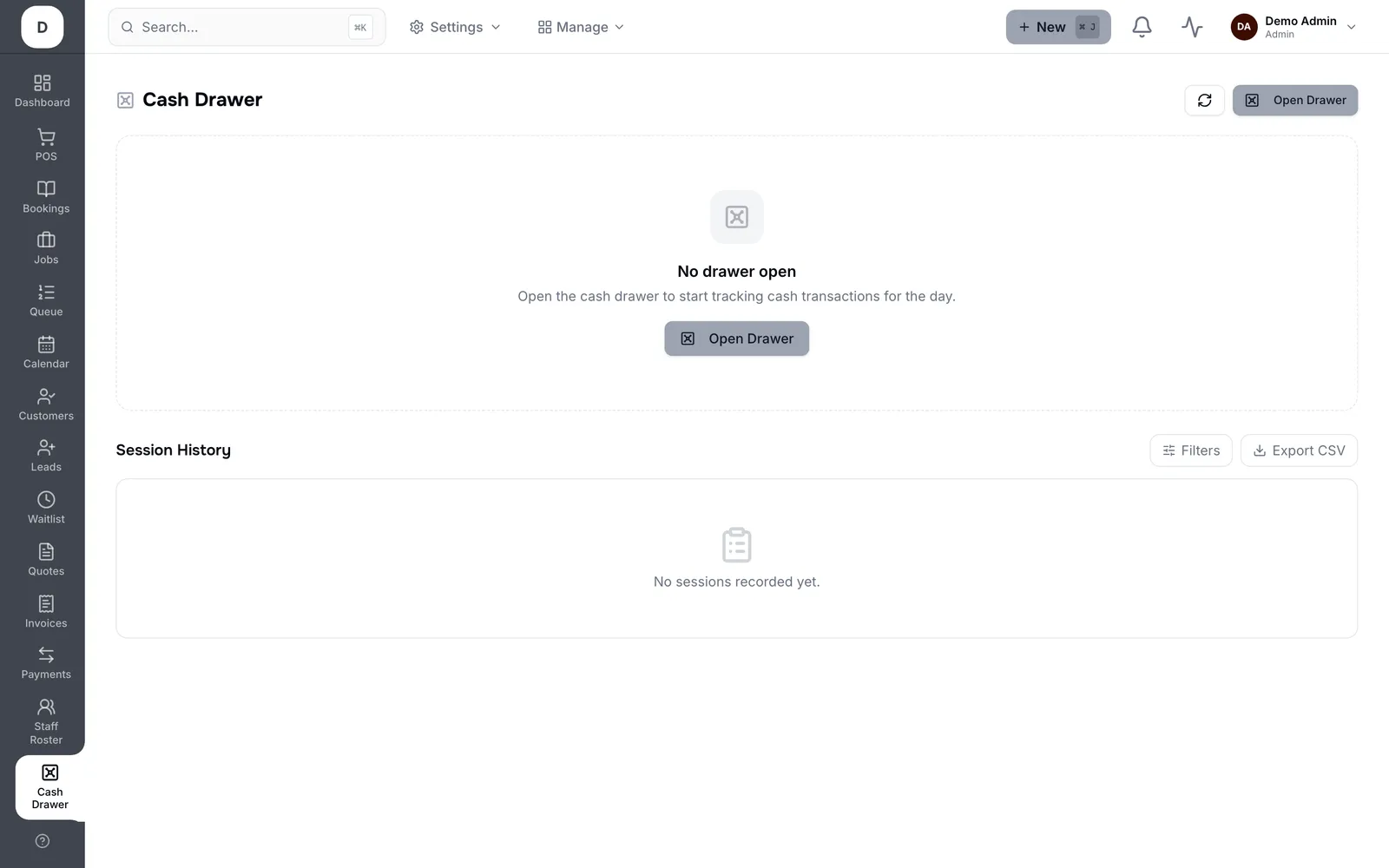
1. Drawer is Open shows the current session; Cash Sales is what has gone through it since it opened.
2. Record anything taken out for supplies or change under Cash Out / Petty Cash Removed, or it will read as missing.
3. At close, count the till and enter it as Actual — Trimsy compares it to Expected and shows the Discrepancy.
4. Closed By records who counted it, and the closed session stays on the list for any date range you filter to.
Tip: Log petty cash as you take it, not at close. Almost every unexplained discrepancy is a coffee run nobody wrote down.