Payments & POS
Connecting Stripe or Square
Take online payments and deposits with your own Stripe or Square account.
Trimsy never touches your money — payments flow through your own Stripe or Square account, connected once.
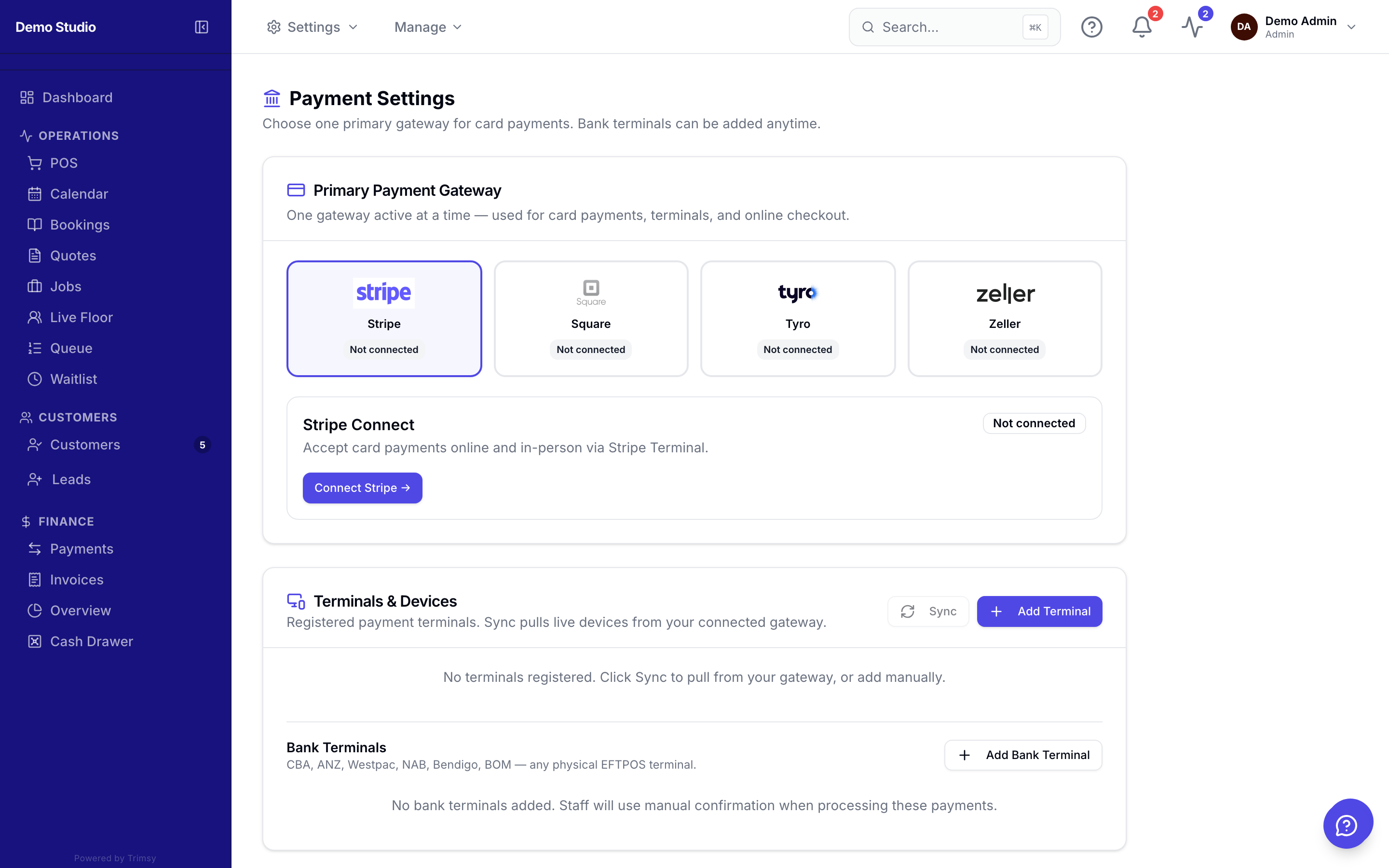
1. Open Settings ▸ Payments.
2. Click Connect on Stripe or Square and approve the connection.
3. Choose whether online bookings require a deposit and how much.
4. Run a test booking to see the payment land in your gateway dashboard.
Tip: Deposits slash no-shows — even a small one changes behaviour.