Payments & POS
Receipts and refunds
Find any receipt, re-send it, or refund it with a credit note.
Every completed sale leaves a receipt here. It is where you go when a customer asks for a copy or wants money back.
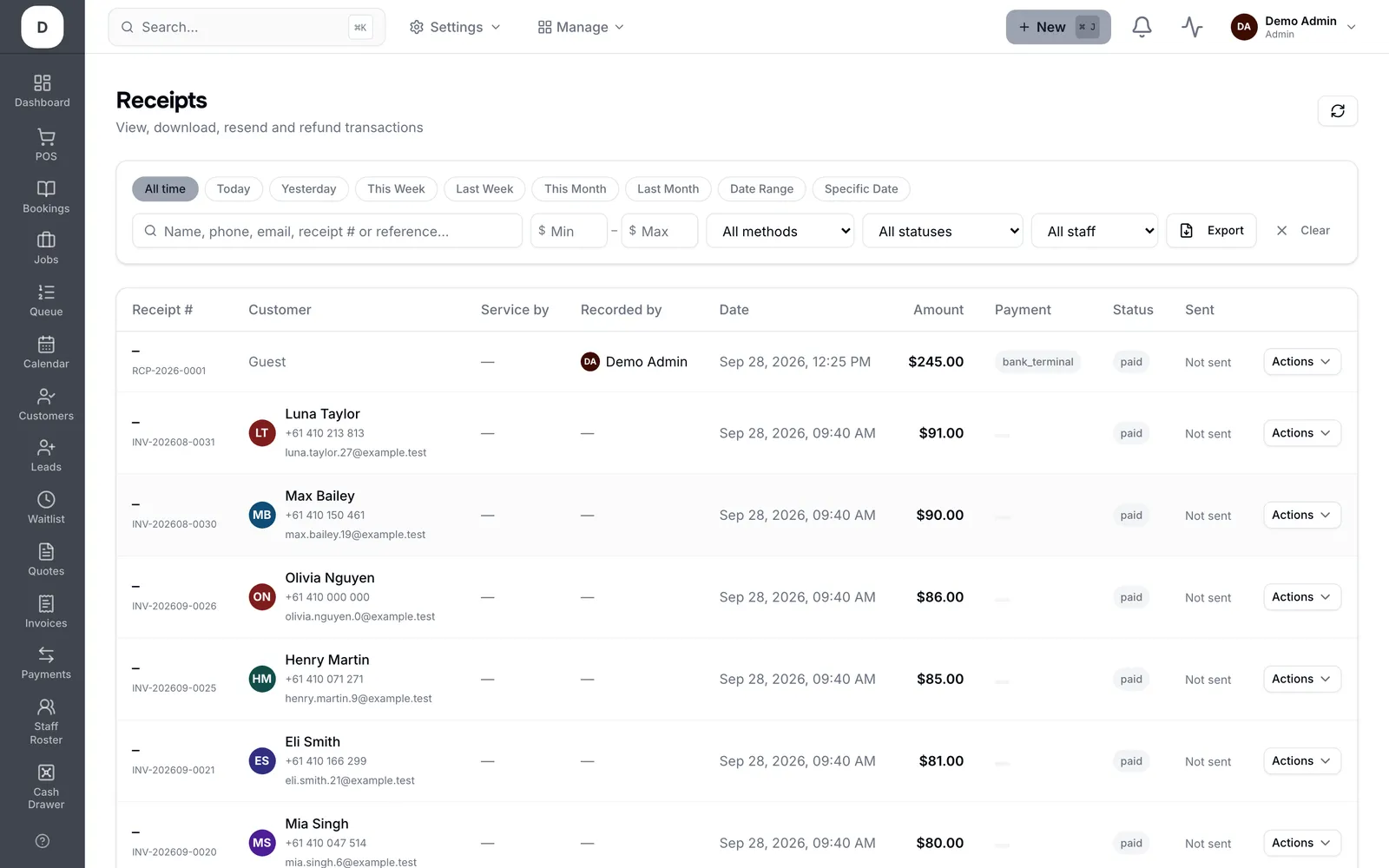
1. Filter by All statuses, All methods, All staff or All locations to find the sale quickly.
2. Open a receipt to see its lines, the payment method and who served it.
3. Refund from the receipt itself — Trimsy raises a Credit Note so the books stay balanced rather than deleting the sale.
4. A receipt already refunded is marked Already refunded, so nobody double-refunds the same sale.
Tip: Refunding creates a credit note rather than removing the original. That is deliberate — your takings for the original day stay correct.