Payments & POS
Build an invoice
Raise an invoice, take payment on it, or send it for payment.
The invoice builder assembles priced lines and then gets them paid, by whatever method suits.
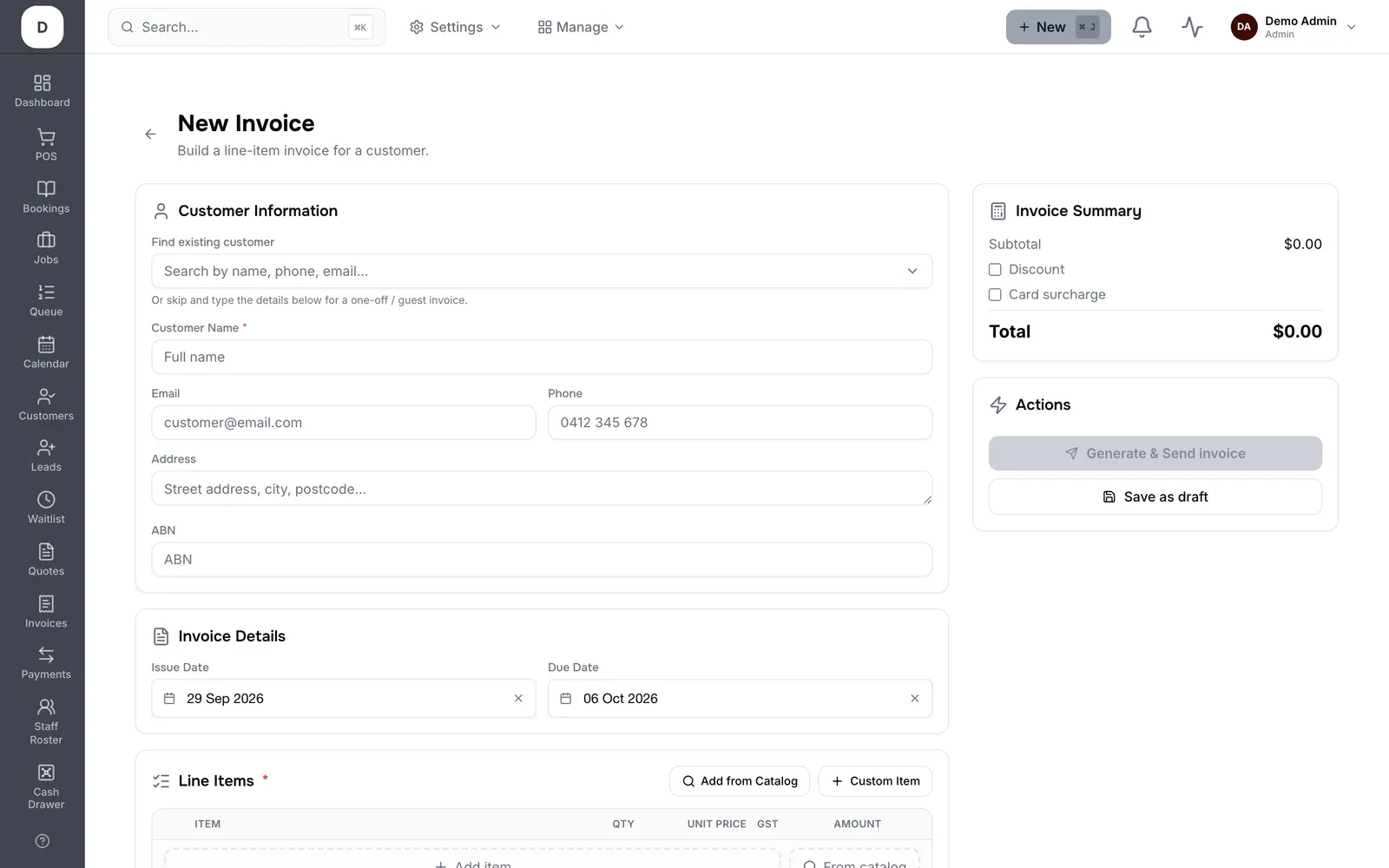
1. Choose the customer and set the Due Date.
2. Add lines with Add to Invoice, then apply a Discount if there is one.
3. Record payment as Cash, Card or Bank Transfer — card surcharge is applied if you have one configured.
4. Send it, or share the Customer View Link so they can pay online without signing in. Download gives you a PDF.
Tip: Let Trimsy compute the total rather than typing one. Tax, discount and surcharge interact, and the invoice total is the single source of truth.