Payments & POS
Invoices & getting paid
Send tax invoices with online payment links and automatic reminders.
Invoices go out with a pay-online link; reminders chase politely so you don't have to.
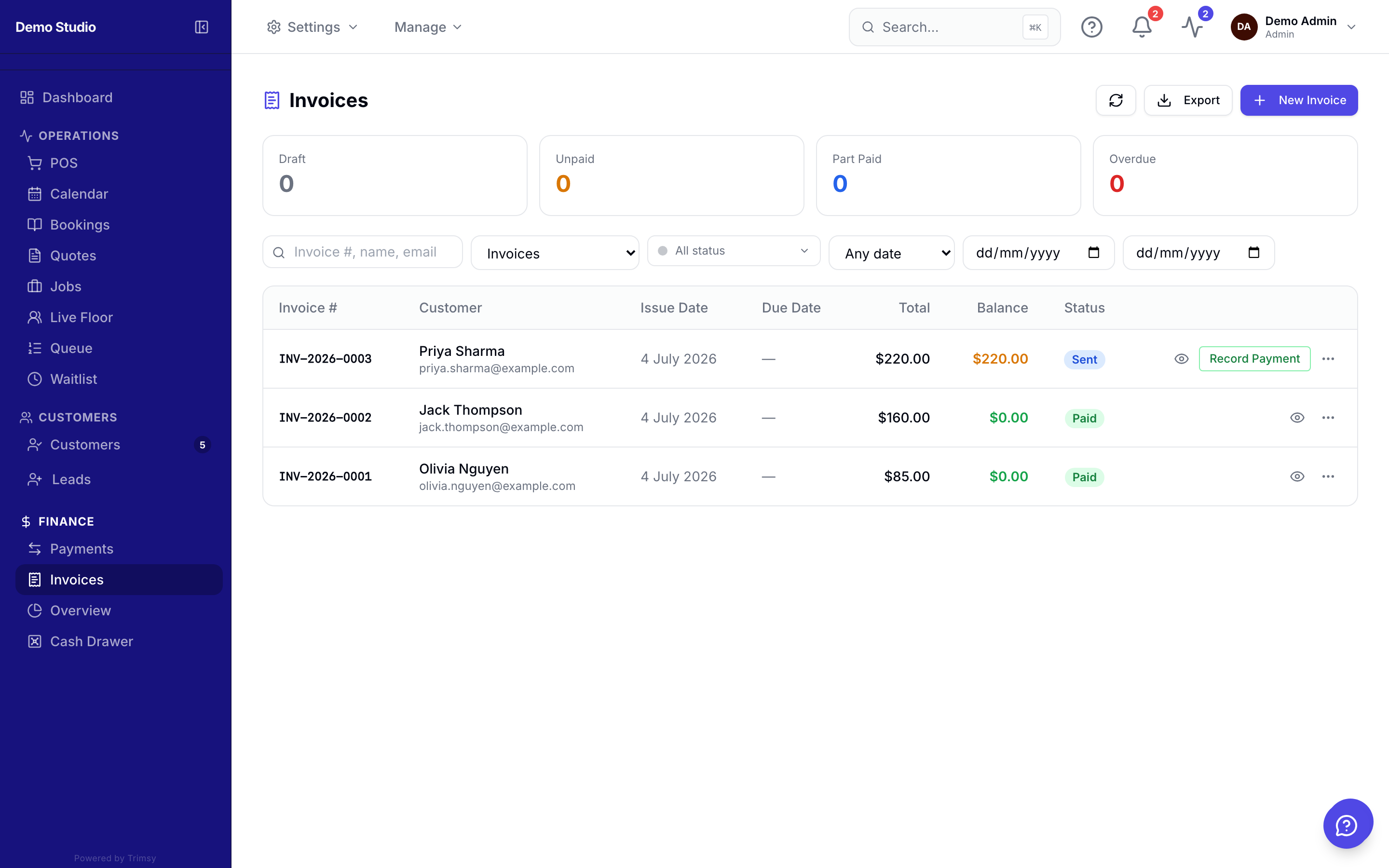
1. Open Sidebar ▸ Finance ▸ Invoices and click New invoice.
2. Add line items — per-line GST control included — and pick the customer.
3. Send it; the customer pays online through your connected gateway.
4. Overdue? Automatic reminders go out on the schedule set in Settings.
5. Record manual payments (cash, bank transfer) against the invoice as they arrive.
Tip: Generate invoices directly from jobs and quotes to skip re-typing line items.