Jobs & quotes
Build a quote
Price a piece of work, send it, and turn it into a booking or invoice.
The quote builder is the same engine as the invoice builder — you are assembling priced lines, then sending them for a decision.
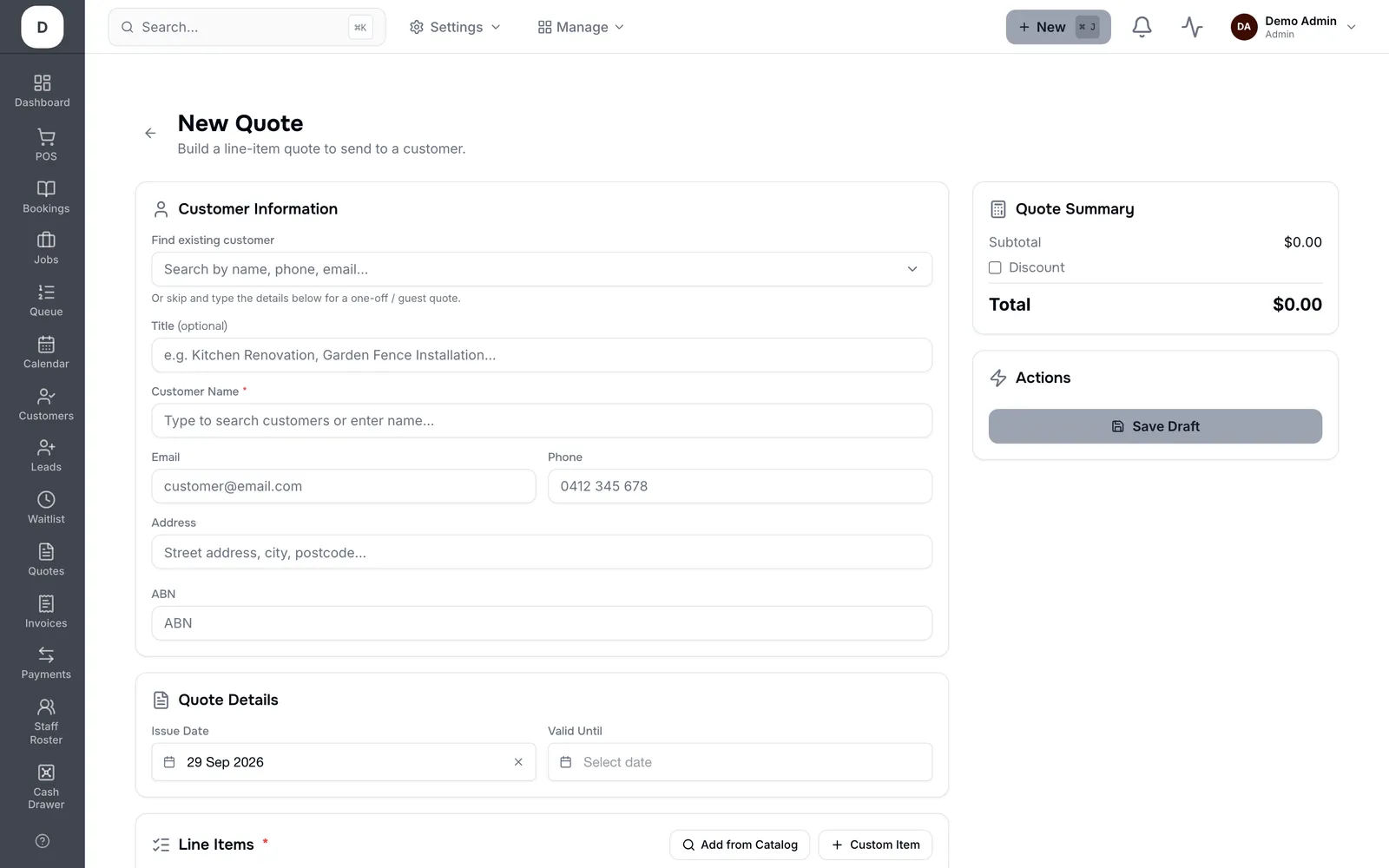
1. Pick the customer and set the quote date.
2. Add services or products with Add to Quote; adjust amounts and apply a discount if you are giving one.
3. Send it, or hand over the Customer View Link so they can read it without an account.
4. When they accept, Convert to Booking or Convert to Invoice carries the lines across rather than re-keying them.
Tip: Converting rather than re-typing is the point: the accepted price, the lines and the customer all stay attached to the same record.