Jobs & quotes
Working with jobs
Track long-running work through pipeline stages, from enquiry to paid.
Jobs handle work that outlives a single visit — applications, projects, repairs — moving through the stages you define.
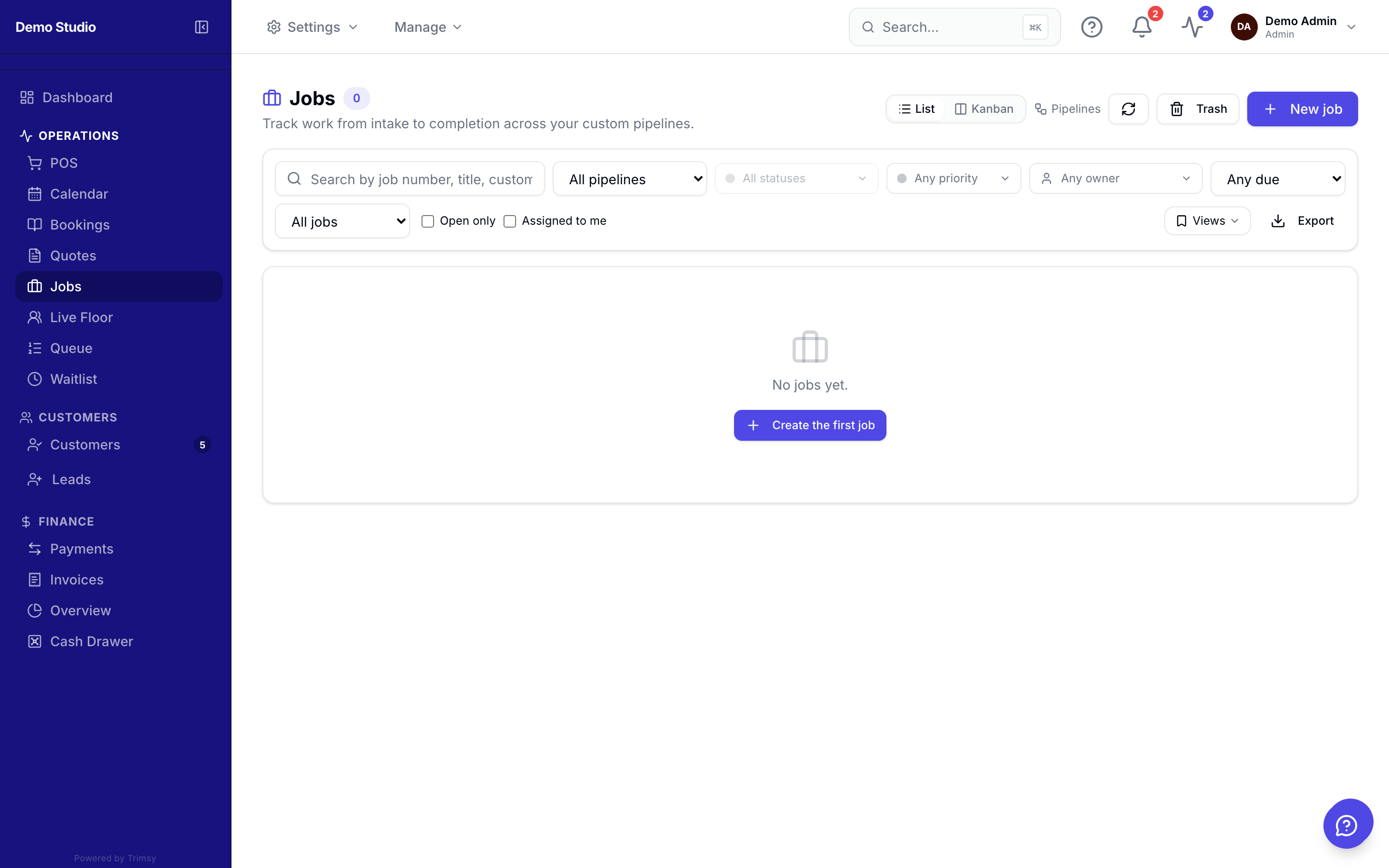
1. Open Sidebar ▸ Jobs (yours may be renamed, e.g. Applications) to see the pipeline board.
2. Click New job, link the customer and describe the work.
3. Drag the card between stages as work progresses — stage changes can email the customer automatically.
4. Open a job to add line items, parties, checklists, documents and agreements.
5. Generate an invoice straight from the job when it's ready to bill.
Tip: Rename "Jobs" to your industry's language (Applications, Cases, Projects) in Settings ▸ Jobs.