Jobs & quotes
Workflows & automations
Trigger emails, SMS and document sends automatically when things happen.
Workflows watch for events — a booking confirmed, a job stage reached — and run your chosen steps without anyone remembering to.
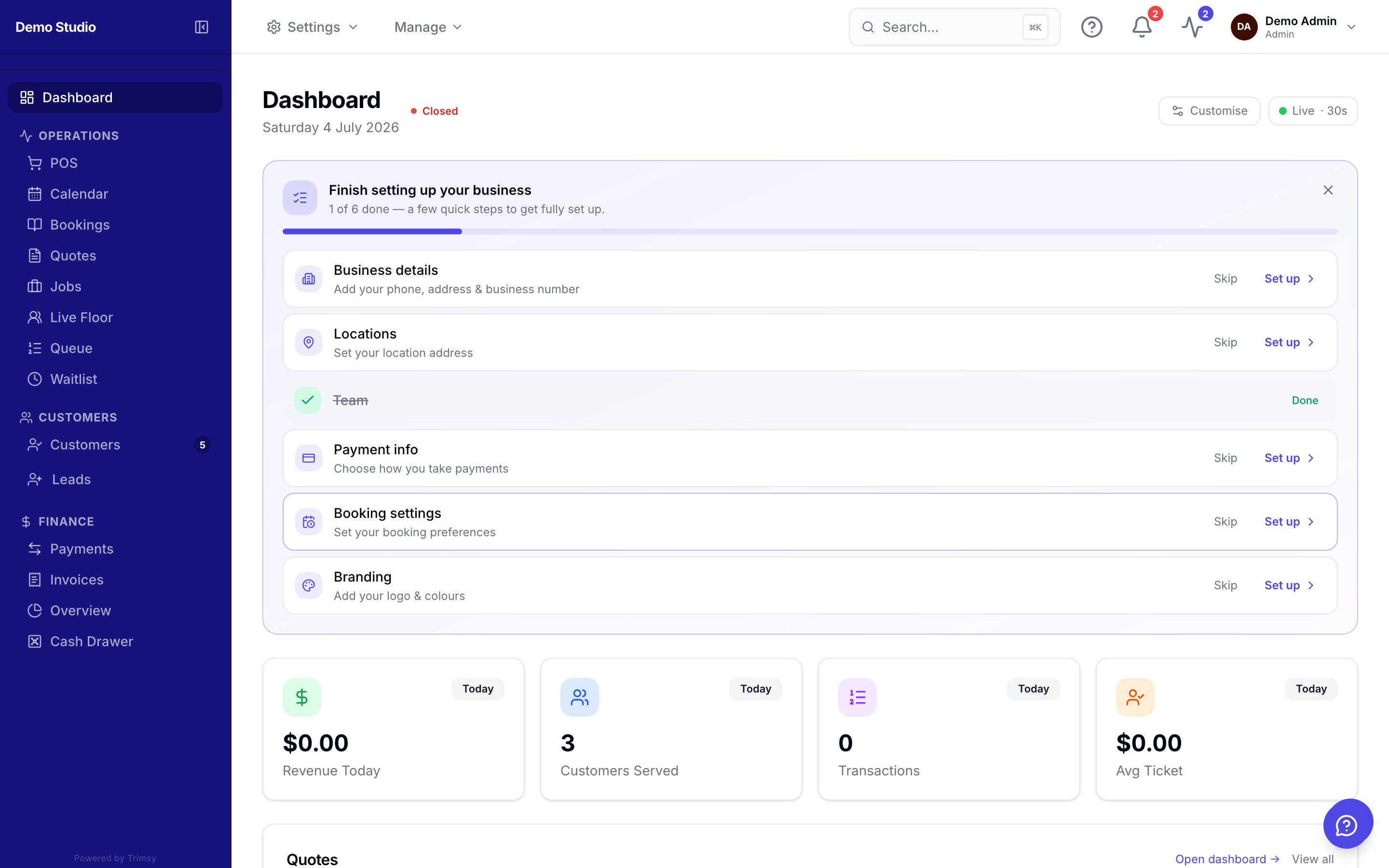
1. Open Manage ▸ Jobs Setup ▸ Workflows & Automations.
2. Create a workflow and pick its trigger event.
3. Add steps: send an email or SMS, wait a delay, send agreement templates.
4. Toggle it on and watch the run log to confirm it fires.
Tip: Start with one workflow — a thank-you message the day after a first visit pays for itself.