Jobs & quotes
Set up recurring jobs
Create work that repeats, so the schedule builds itself.
Weekly cleans, quarterly sprays, fortnightly rounds — a recurrence rule creates each one as it comes due instead of you rebooking it.
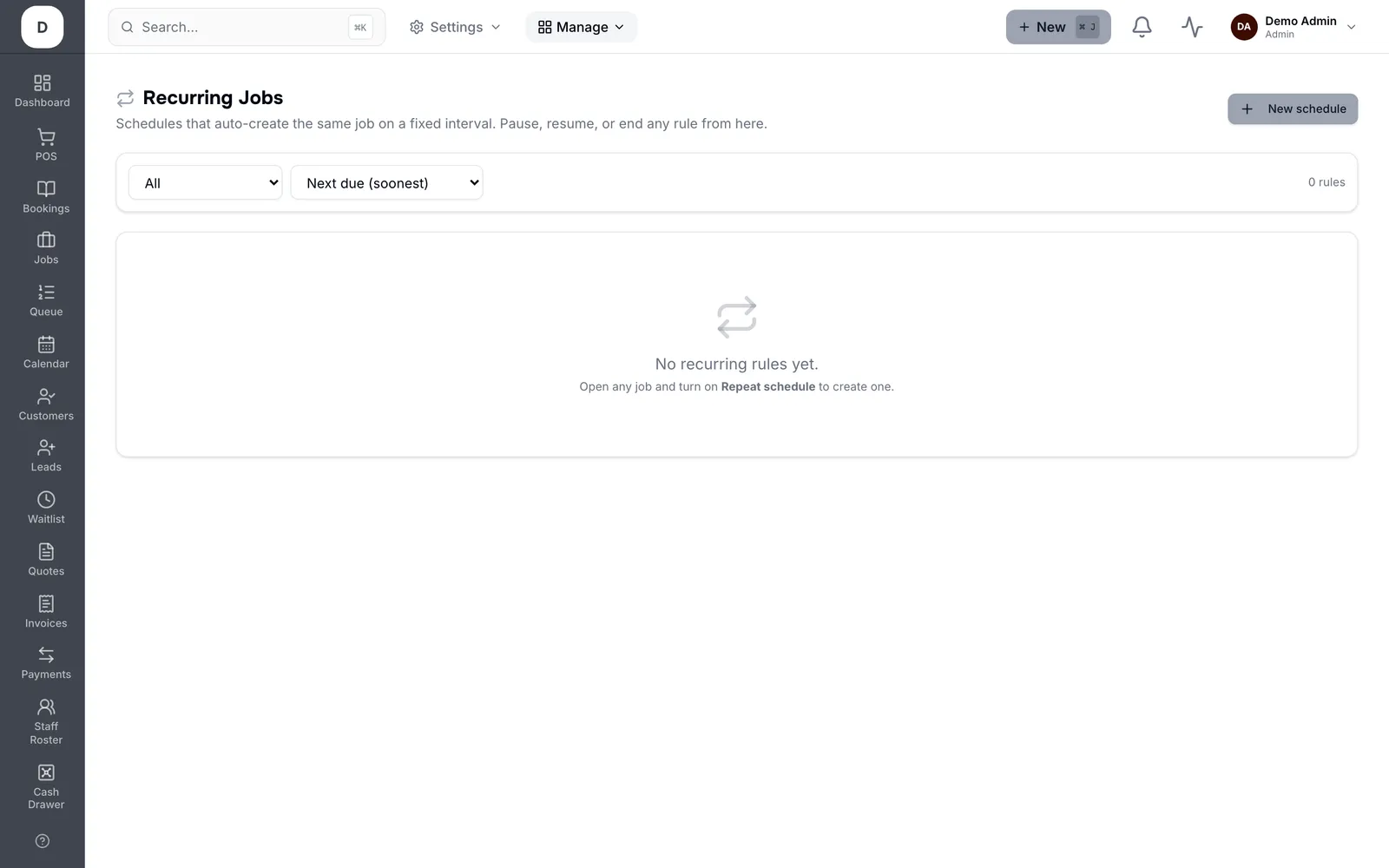
1. Create a rule against a Customer and set who it is Assigned to.
2. Choose the interval and when the First one is due; Next due then keeps rolling forward.
3. Pause a rule when a customer goes on hold, rather than deleting it and losing the history.
4. Recently created shows what the rules have generated, so you can confirm they are firing.
Tip: Pause rather than delete. A deleted rule takes its schedule with it; a paused one picks up where it left off.