Jobs & quotes
Quotes & estimates
Send professional quotes customers can accept online — then convert to invoices.
Quotes carry your branding, itemised pricing and an accept/decline link the customer can action from their phone.
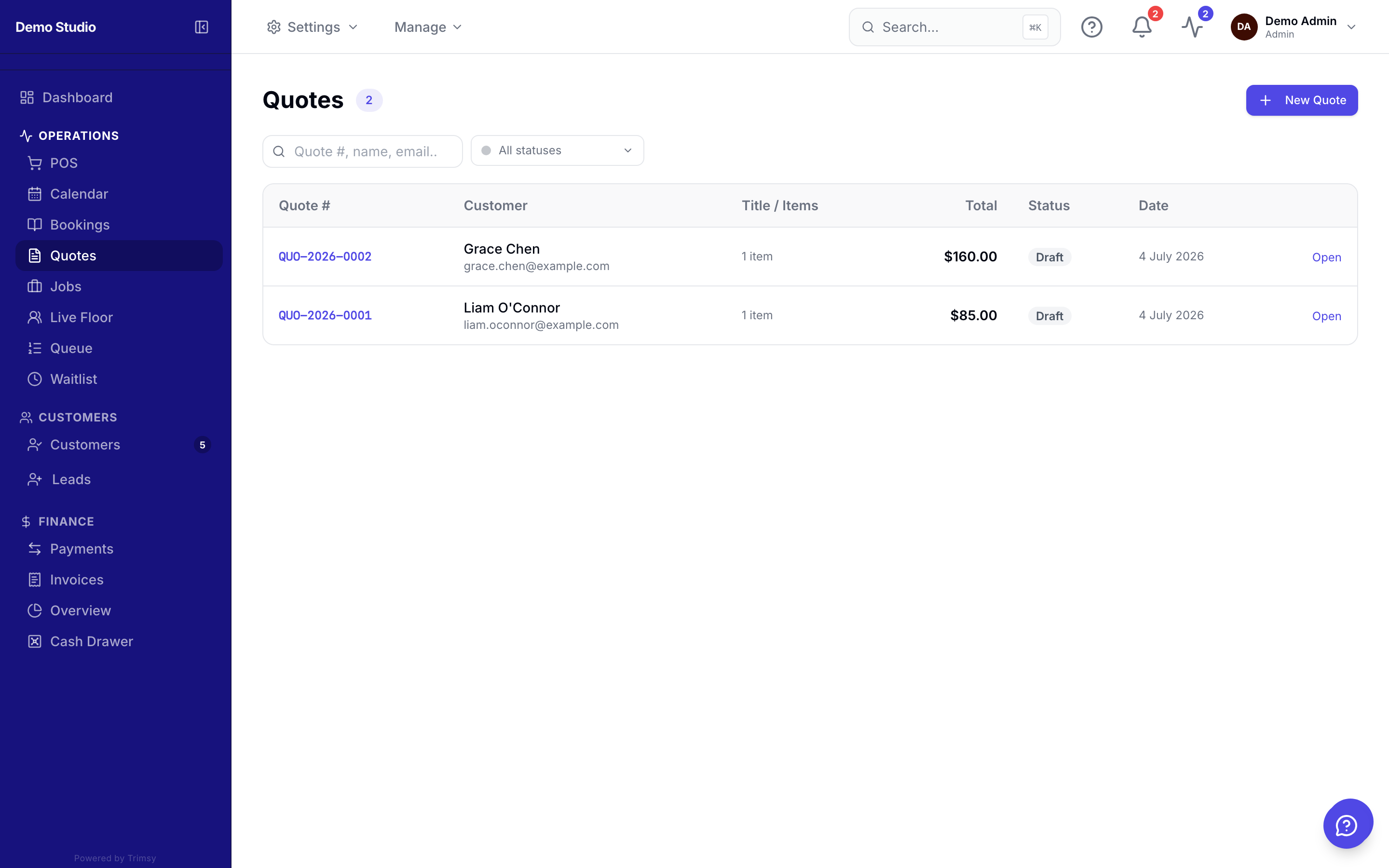
1. Open Sidebar ▸ Quotes and click New quote.
2. Add line items with quantities and GST settings, then pick the customer.
3. Send it — the customer gets an email with a secure accept link.
4. When accepted, convert the quote to an invoice or a job with one click.
Tip: Public quote requests from your website land here as drafts.