Payments & POS
Using the Point of Sale
Ring up services and products, take payment, and print or email receipts.
The POS handles the checkout moment — walk-ins, product sales and finishing an appointment all end here.
1. Open Sidebar ▸ POS and tap services or products to build the sale.
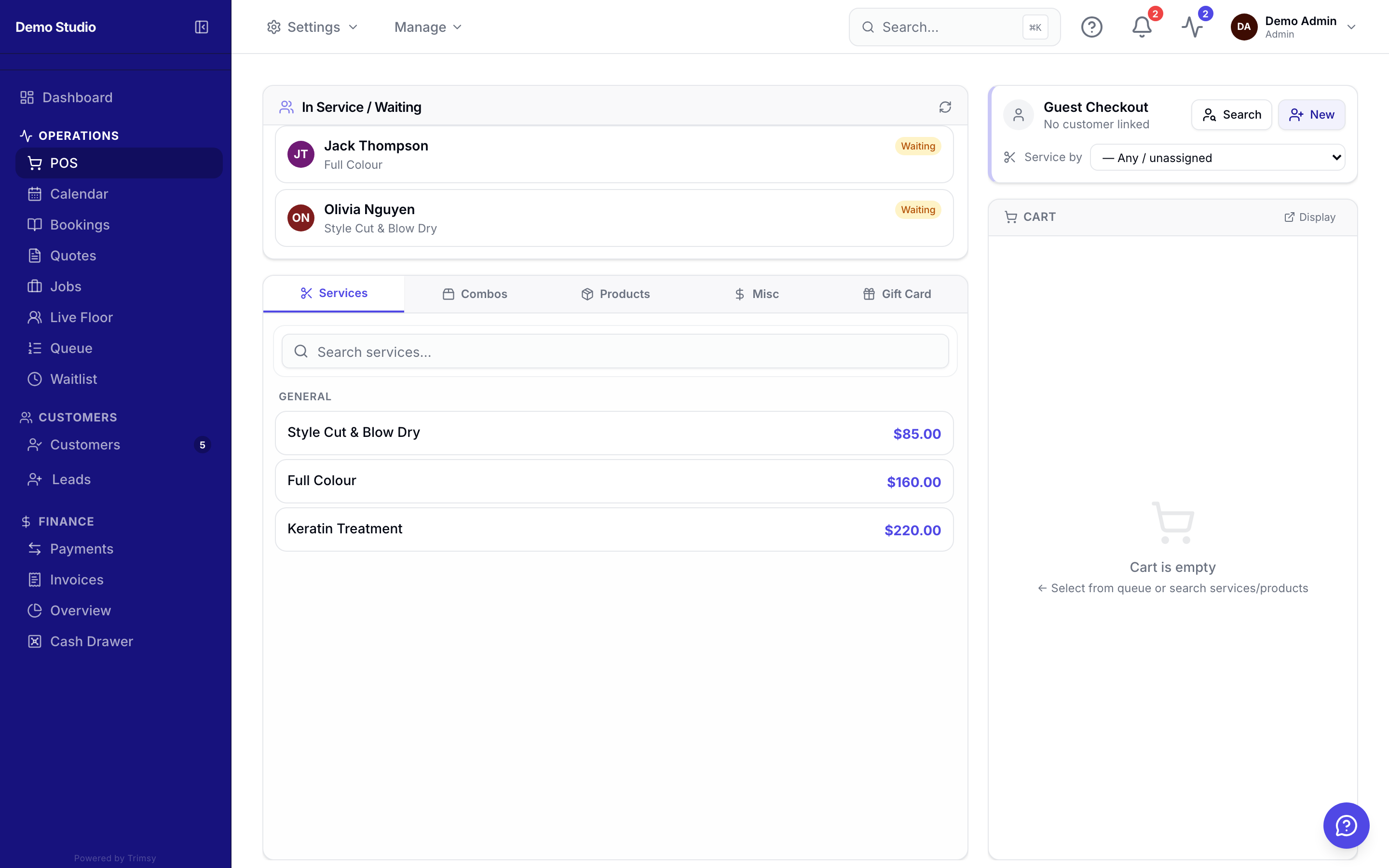
2. Attach the customer so the sale lands on their history and earns loyalty points.
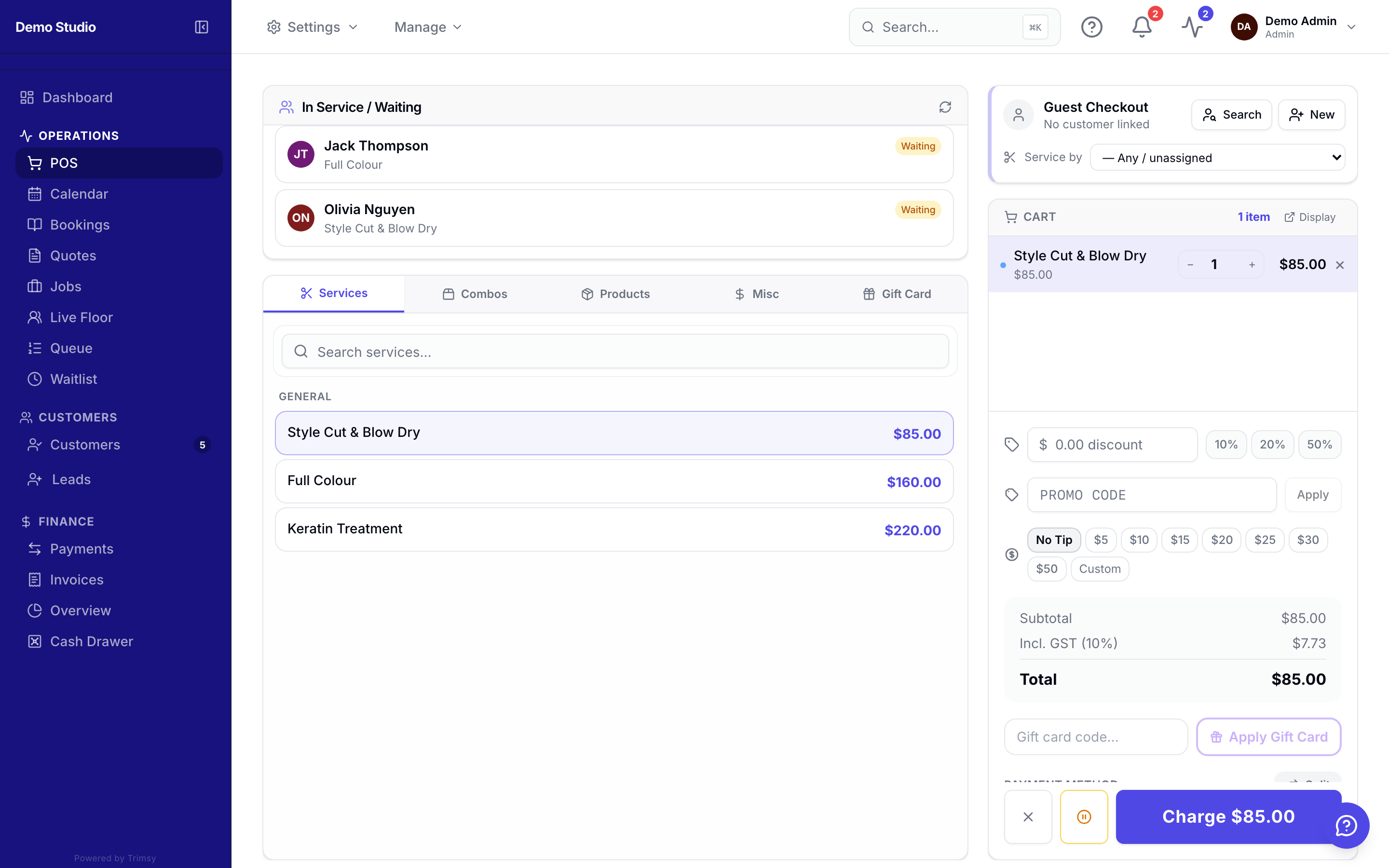
3. Apply a discount or promo code if needed.
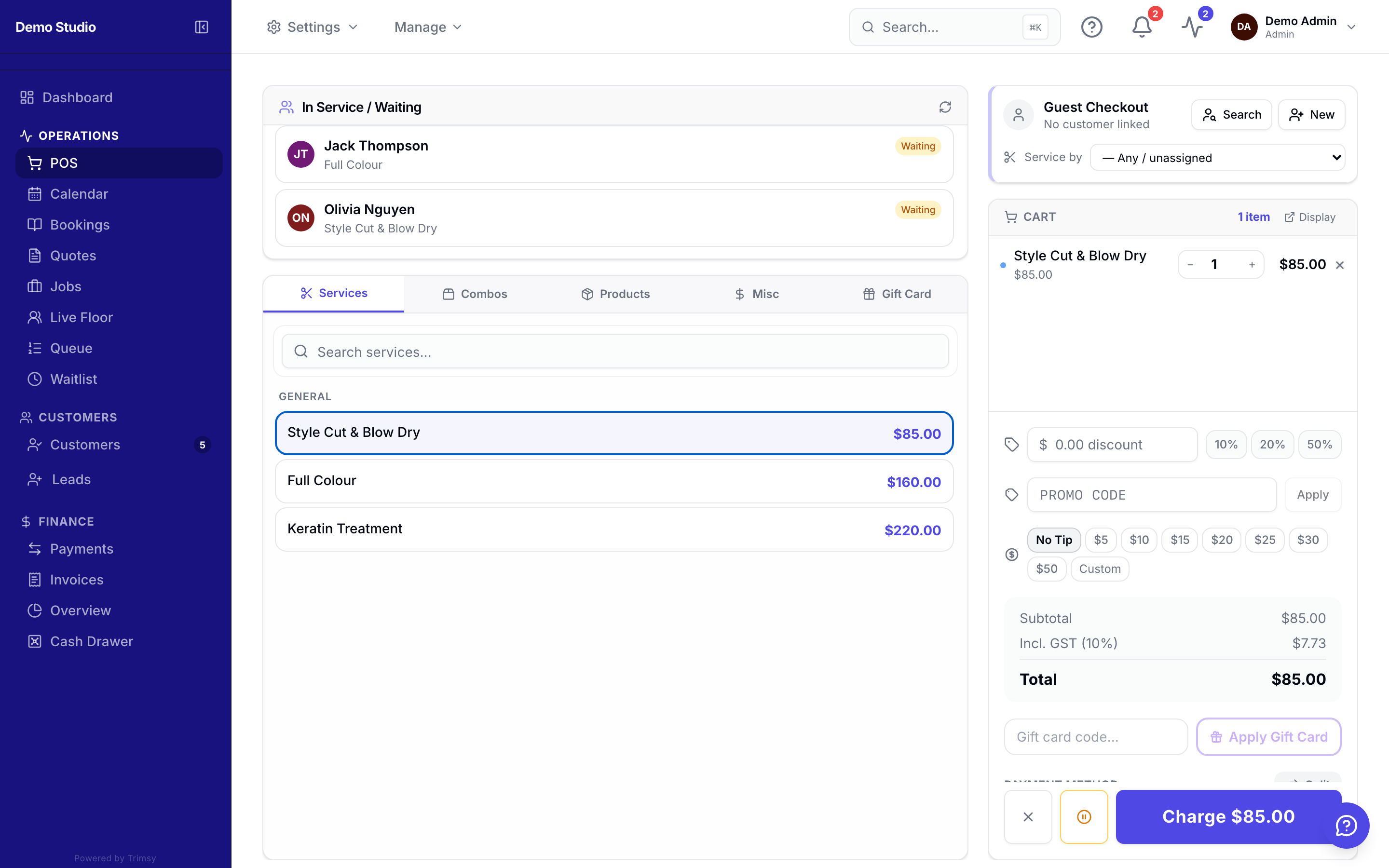
4. Take payment — card, cash or a manual method — and print or email the receipt.
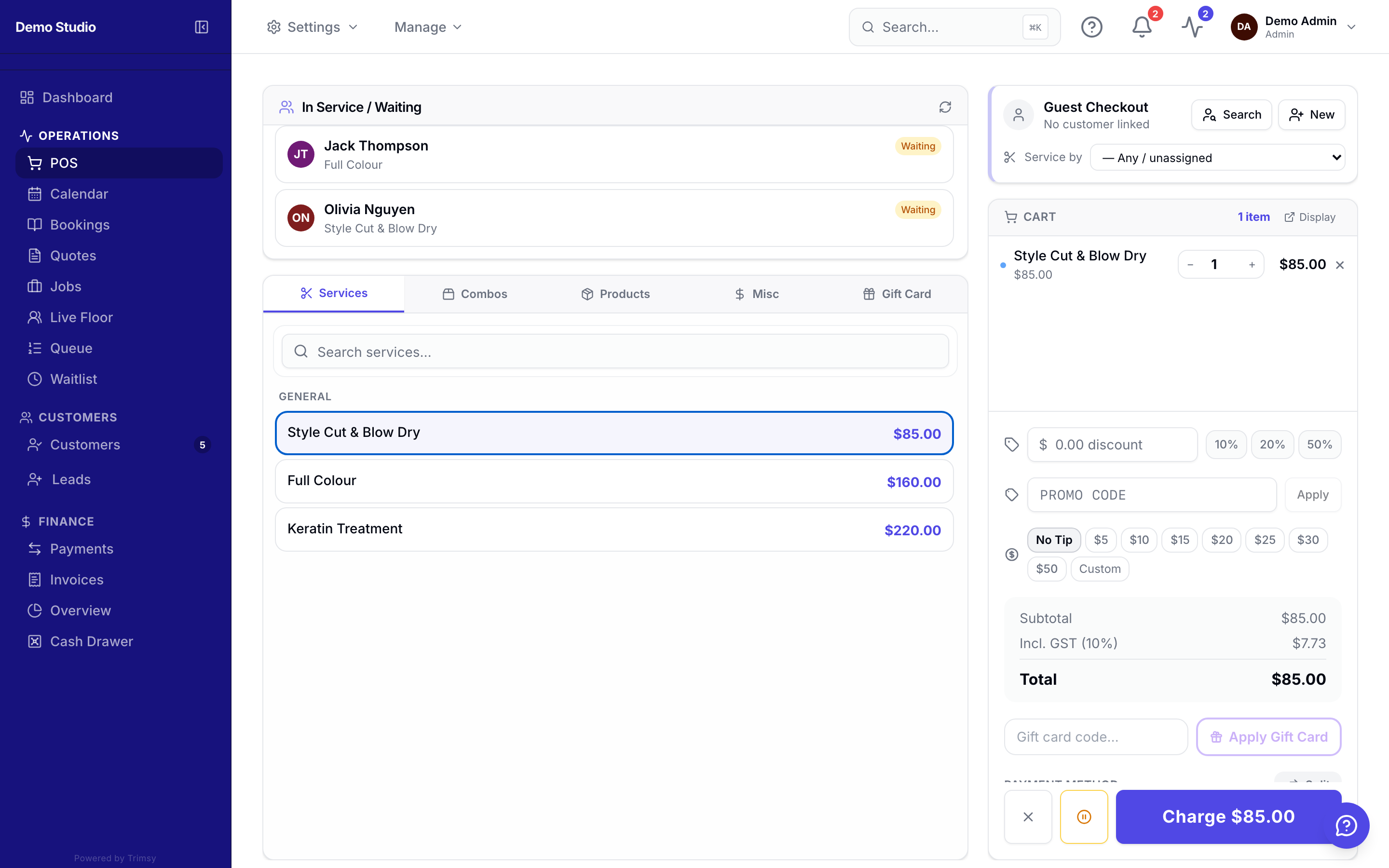
Tip: A second screen? Open the customer-facing POS display from the avatar menu.